Devlog
Fable Showcase: building it, then testing what actually works
A test of what AI agents can reliably produce in Unreal Engine through headless tools, with limited handholding. It builds on prior Agile Lens work and a shared knowledge base, using Forage, SceneAudit, QA Video and MCP tools to author and inspect a playable museum.
Human playtesting has repeatedly exposed gaps in the automated checks. The latest repairs come first below; the earlier captures remain as a record of what worked and what failed. Click any screenshot to open its full-resolution image.
The work began with Claude Fable 5.1 and continued with Claude Sonnet and Codex agents. More agents helped separate implementation from review, but their completion reports were not reliable acceptance evidence. The failures below explain why.
September 6–7, 2026 · Playtest repairs
The QA pass missed the player's experience
Earlier checks accepted active components, compiled graphs and successful map loads. A person playing found absent embers, broken input, unreadable panels and a terrain room without its promised trail or weather. Those checks were insufficient, and the earlier completion claims were too broad. An earlier downloadable archive also omitted required engine libraries, so its executable did not open.
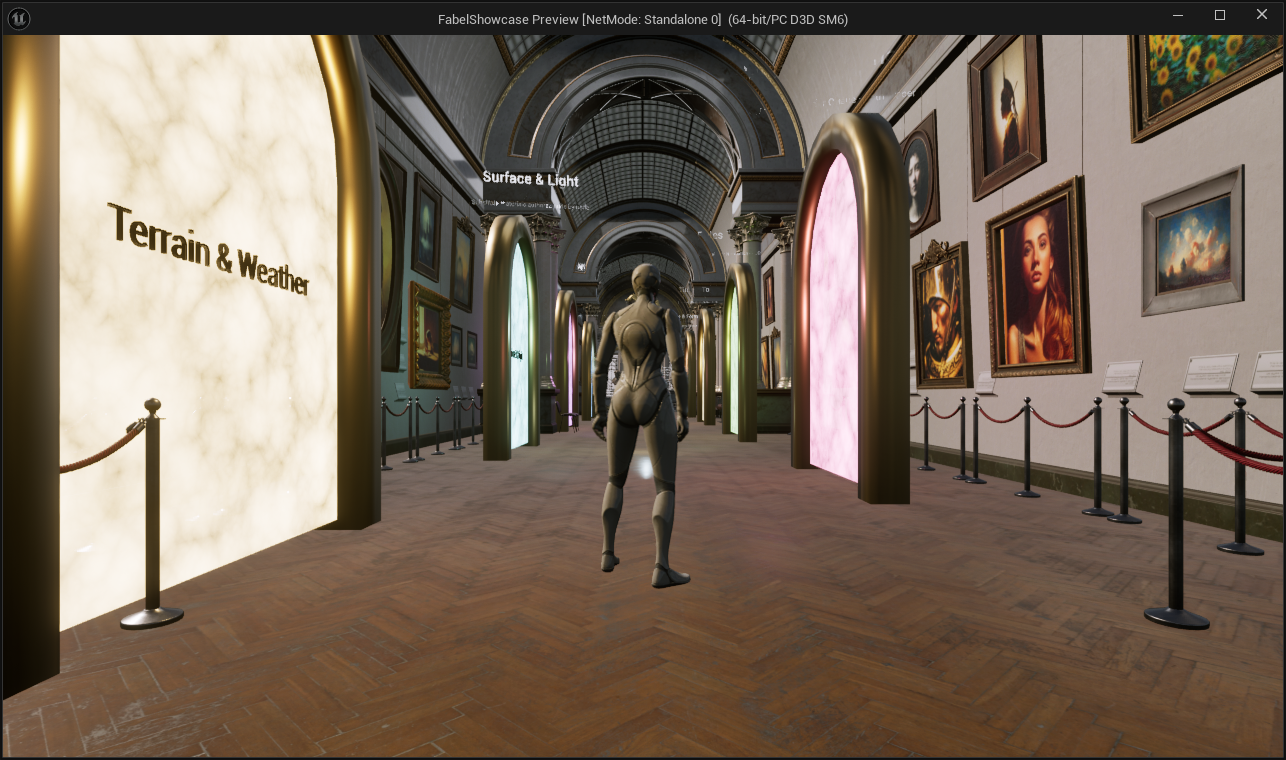
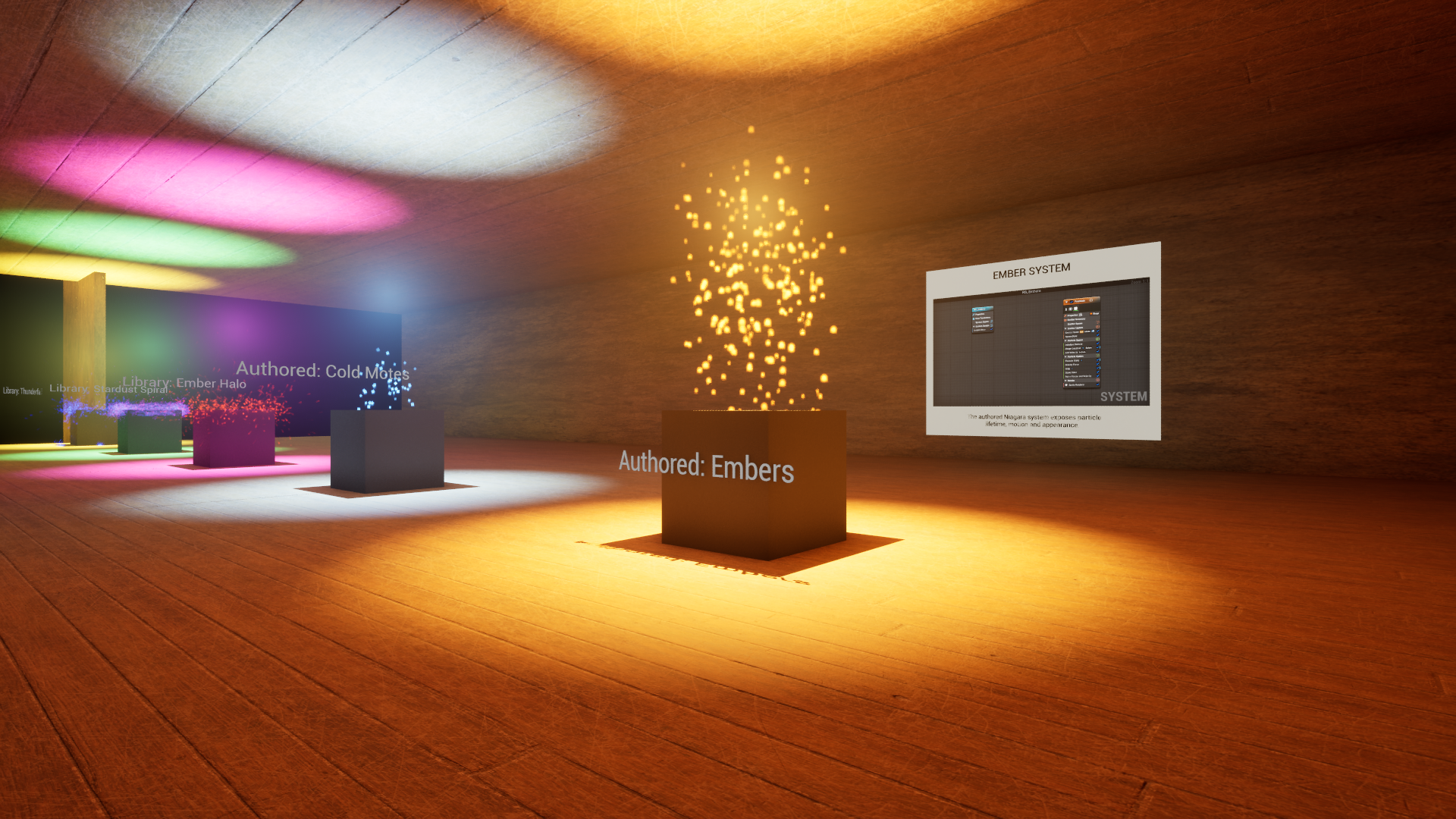
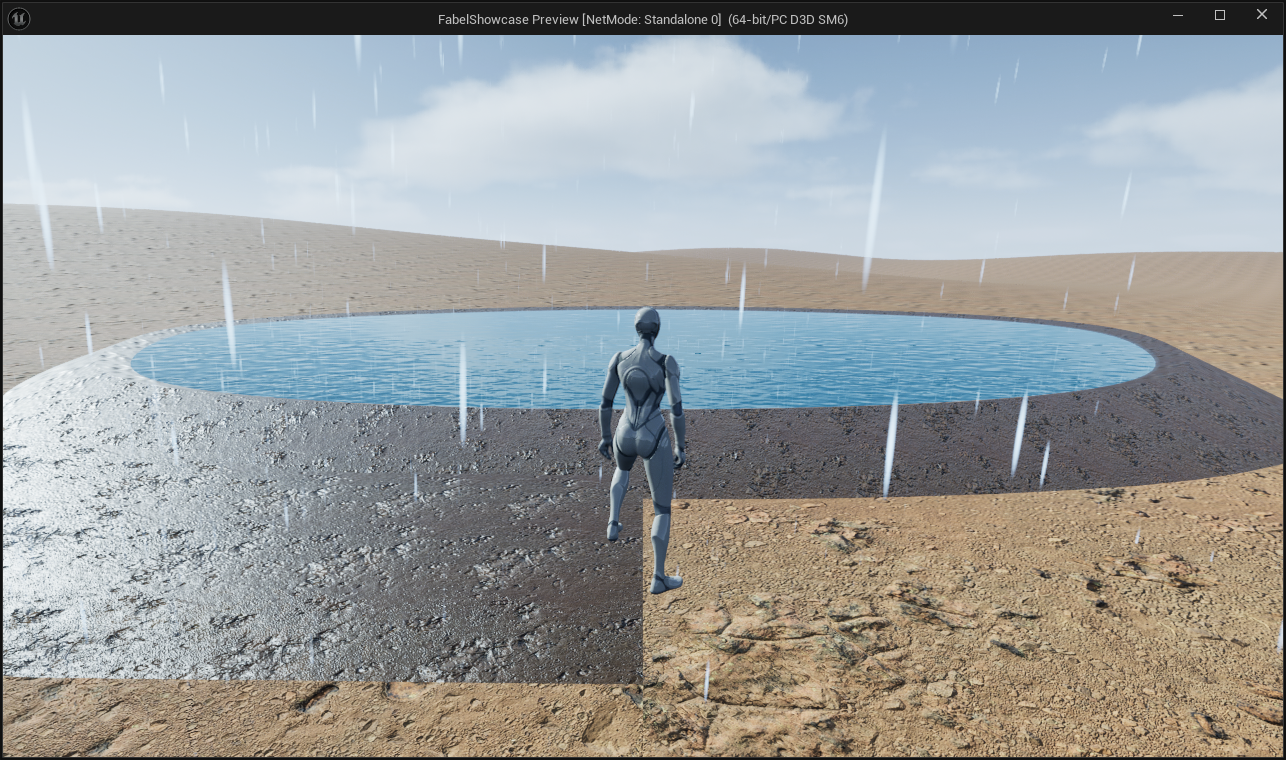
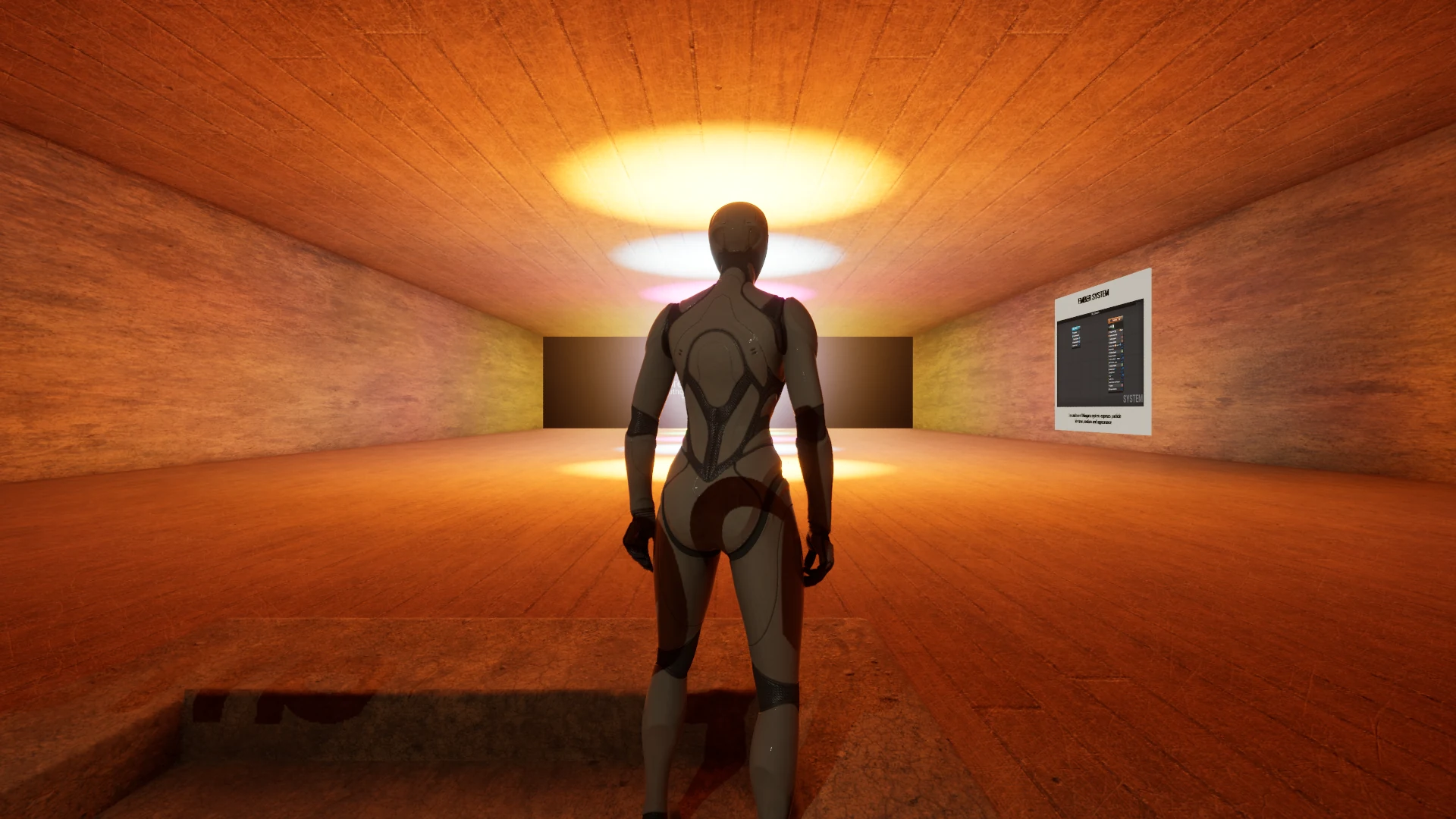
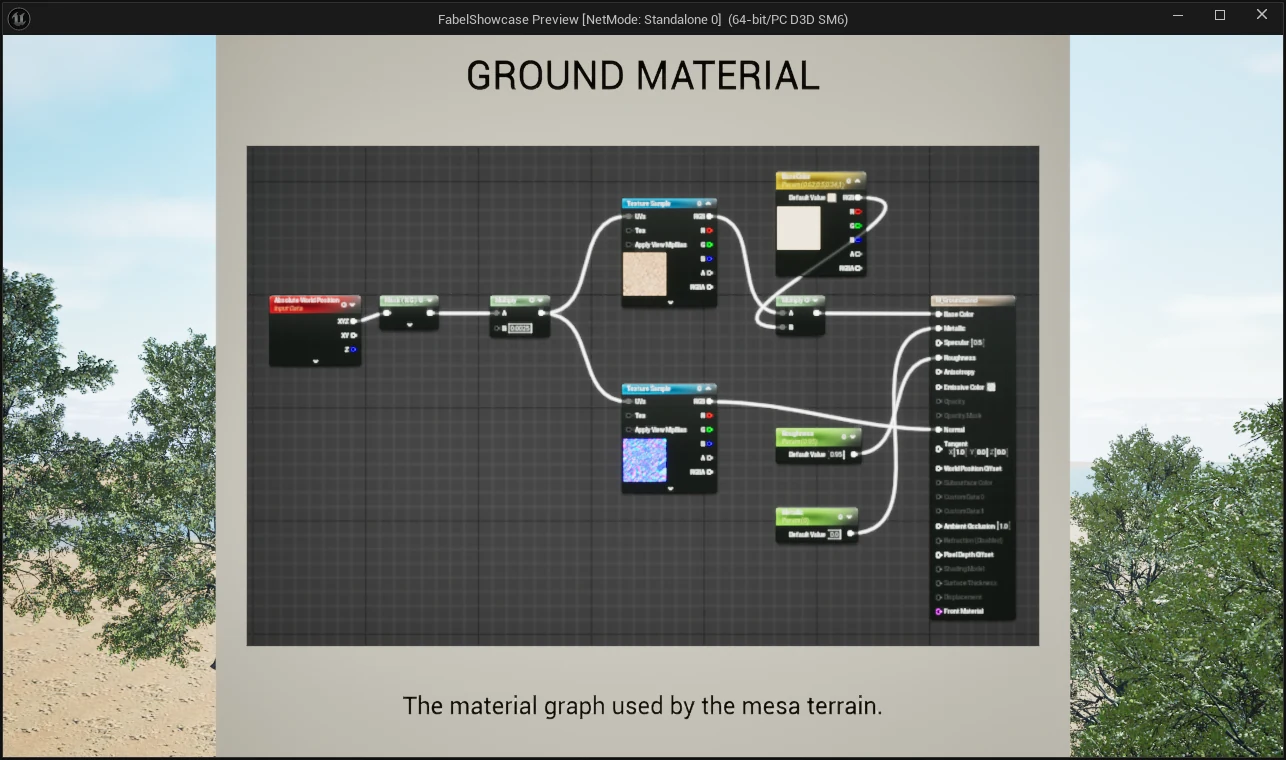
The ember repair uses a working Niagara system with the active lifetime, size and velocity settings, checked during sustained play. Terrain and weather assets now have explicit saves and reload checks: their actors existed before, but their generated assets had never been persisted. The environment now has rain streaks, a broad switchback trail and a pond with a curved bank. A real CharacterMovement test walked the trail down and back in Play-in-Editor; its first attempt caught an exhibit board blocking the path. That traversal preceded packaging.
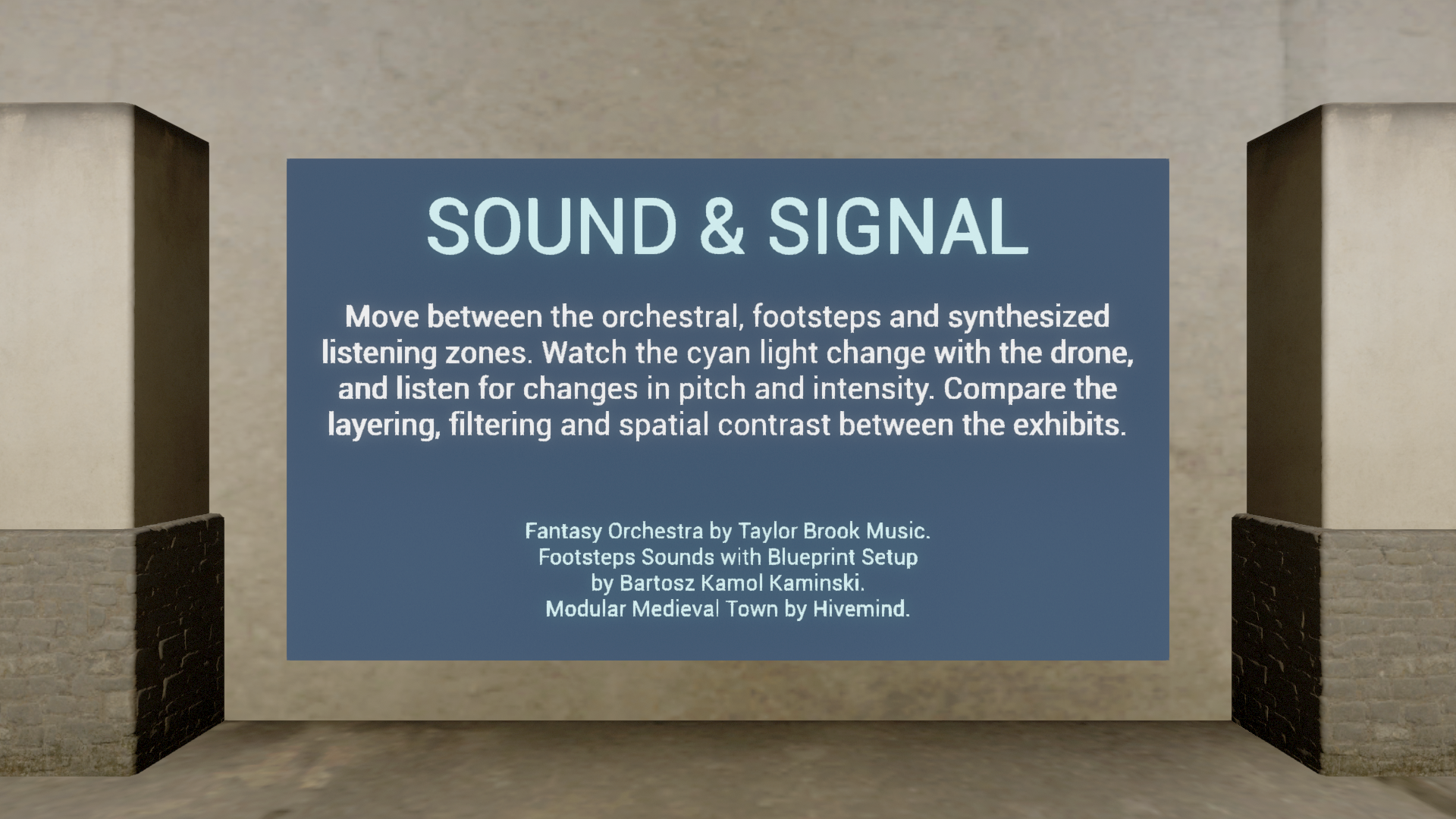
Room descriptions gained centered uppercase headings and seller credits. The gallery return camera looks down the aisle, and the cinematic camera shots were reviewed for panel obstruction and floor overlap. The courier now turns toward the player, while Sound & Signal uses the same modulation for drone pitch and light intensity.
The menu work covers first-time gallery entry, clickable room previews, pause, restart, quit and a devlog link; the mouse wheel brings the camera closer for reading. The exact extracted Windows ZIP passed two fresh launches, all eight room-preview clicks with forward movement and mouse look, the E-triggered camera sequence through its natural finish, and one physical portal entry and return. The actual Restart button worked, Quit closed the game twice, and the startup devlog link launched its URL. These are scoped interaction checks; a still image alone cannot establish them.
Earlier development · September 6, 2026
Making the museum work from the player's side
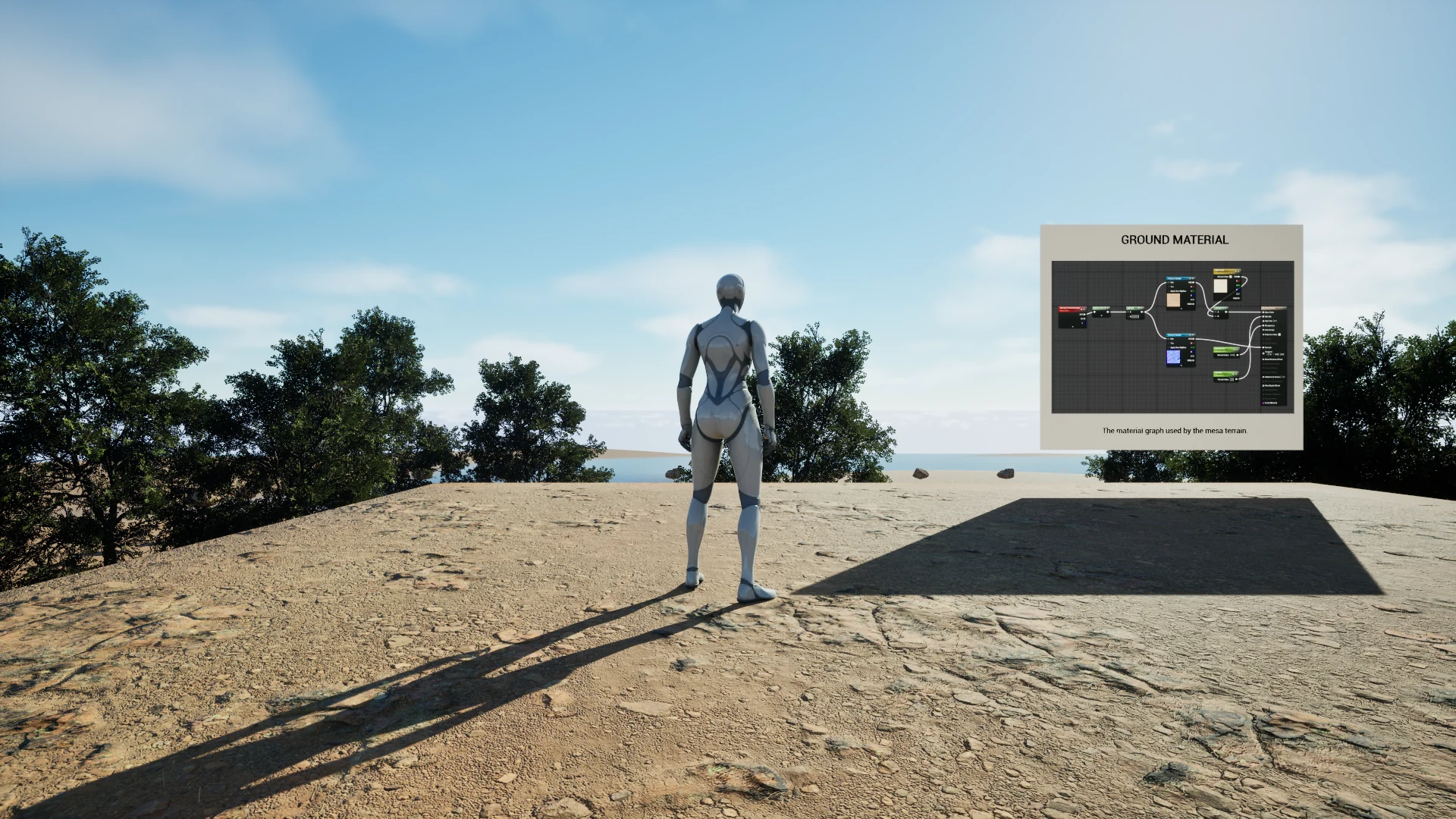
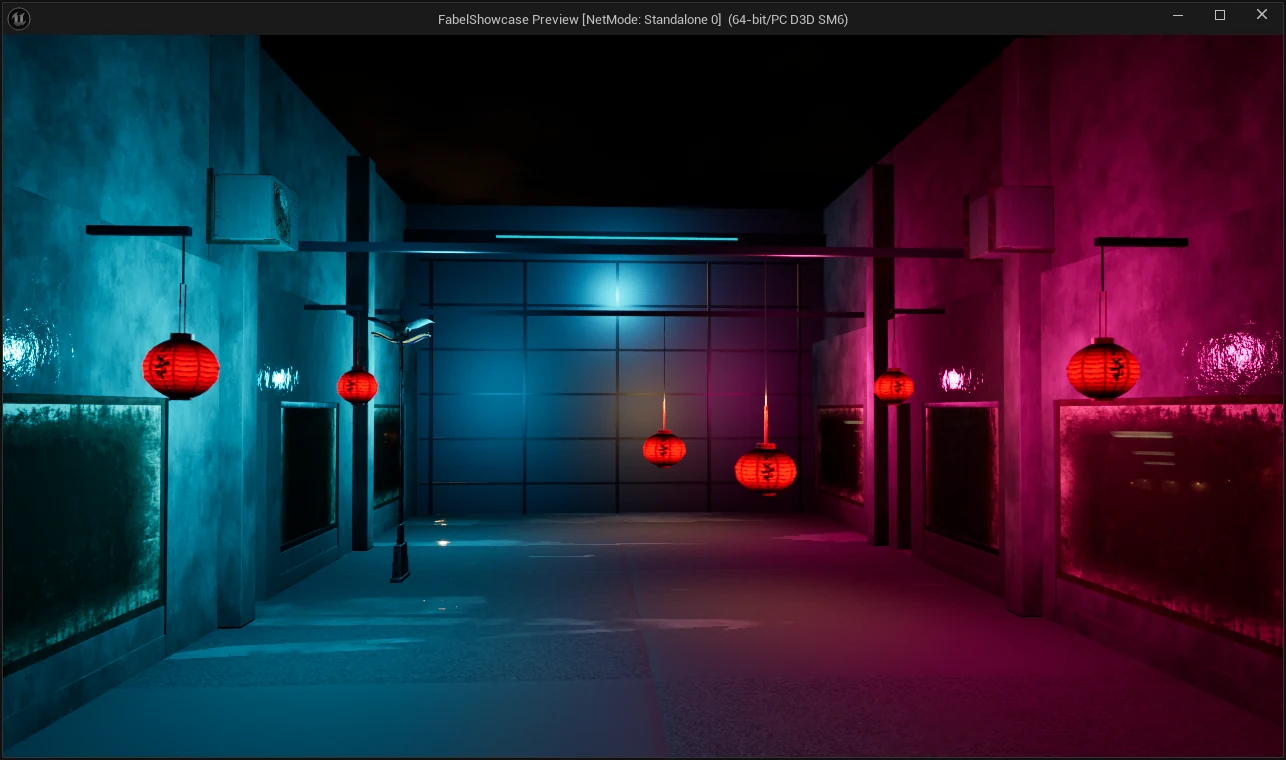
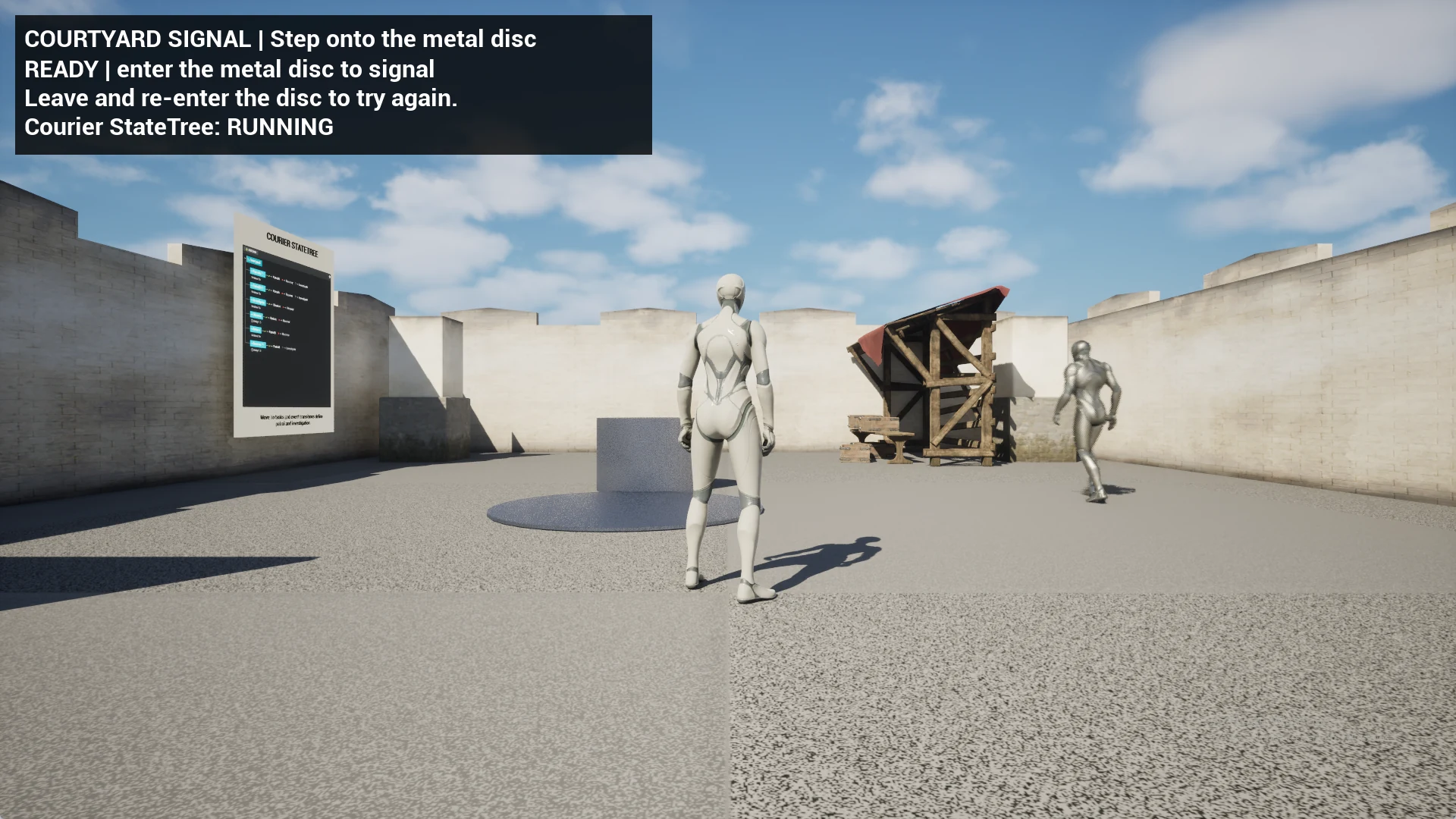
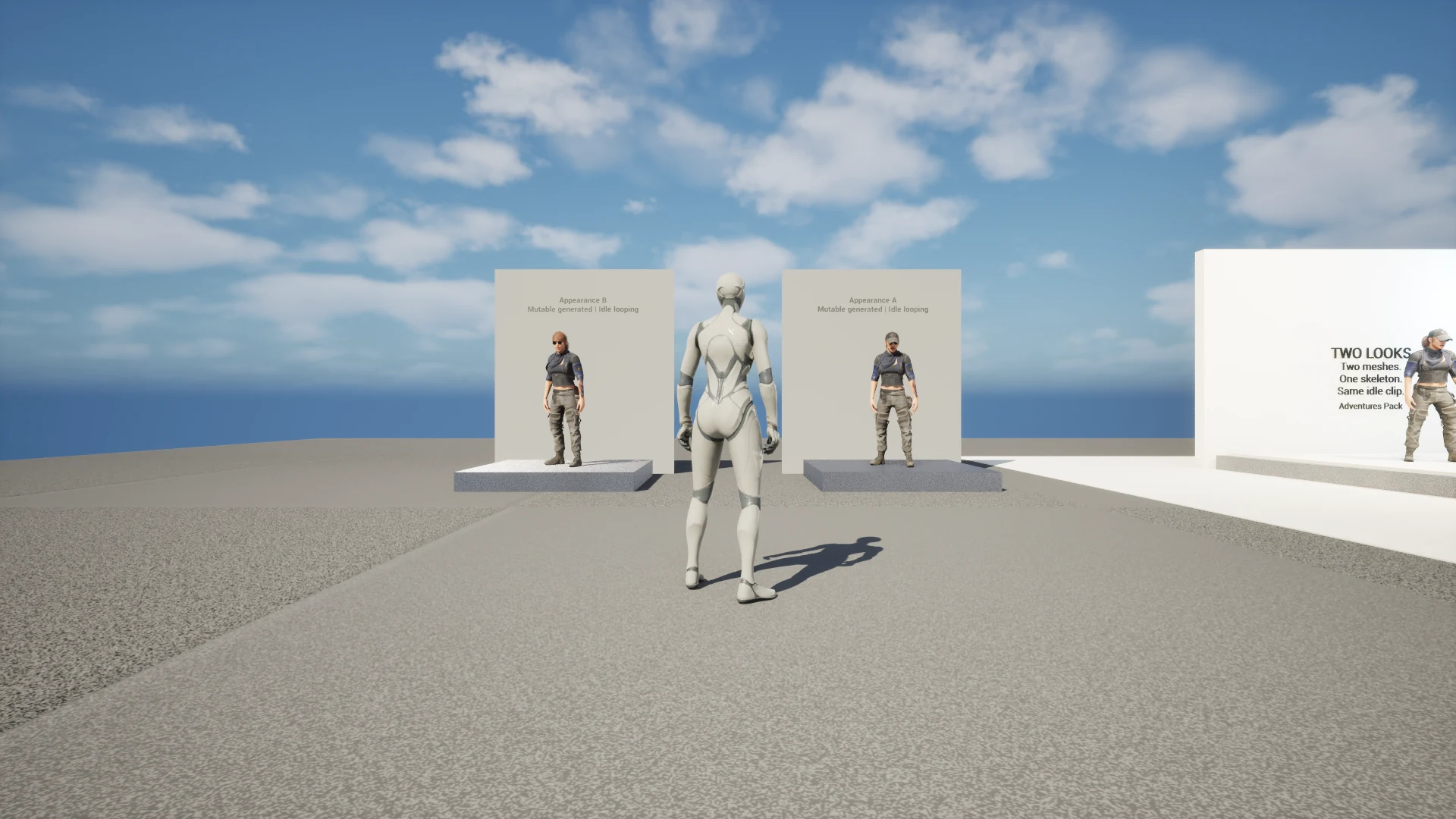
Cinematics became a cyan-and-magenta alley with a native three-camera sequence. Lighting became a cabin study with animated sun, lantern and color grade. Gameplay connects a signal ability, a navigating StateTree courier and a live HUD. Characters compares skeletal animation, a keyed FK Control Rig and two Mutable-generated looks.
The return-trip test caught a camera bug that a correct character transform had hidden: the controller rotation also needed restoring. The landscape test found the player and portal below the actual terrain after short traces hit a lower water surface. Mutable compiled cleanly while producing no meshes until both runtime instances received their source skeletal mesh. These failures changed the implementation and the acceptance tests.
Earlier automated checks
Passing a scripted route was too narrow a test
An earlier Windows Development package launched at Epic quality settings and travelled from the hub into every wing and back through the actual portal triggers. The run logged 29 world starts across all nine maps. Runtime checks found the featured Niagara systems active, both Mutable looks generated, the courier StateTree running, and an exact-process audio signal with a 0.074 peak. The final log contained no fatal errors, assertions, ensures, Blueprint errors, StateTree errors, Mutable errors, Accessed None messages or GPU crashes.
The remaining warnings cover optional Composure materials, known renderer limitations, a broad GameplayCue search path and teardown messages when the Gameplay map unloads. No headset test was part of this pass. These observations did not establish that the embers stayed visible, that ordinary menu and input flows worked, or that the archive someone downloaded could launch. The playtest repairs above correct that gap in scope.
The original overnight run
What Claude Fable 5.1 built with a night and an empty project
I handed it a fresh UE 5.8 Third Person template, roughly 780 Unreal MCP editor commands, and Forage pointed at my own Fab library. Five of nine planned levels were in place by morning. The chapters below preserve that first-run record.
01
Sourcing the gallery
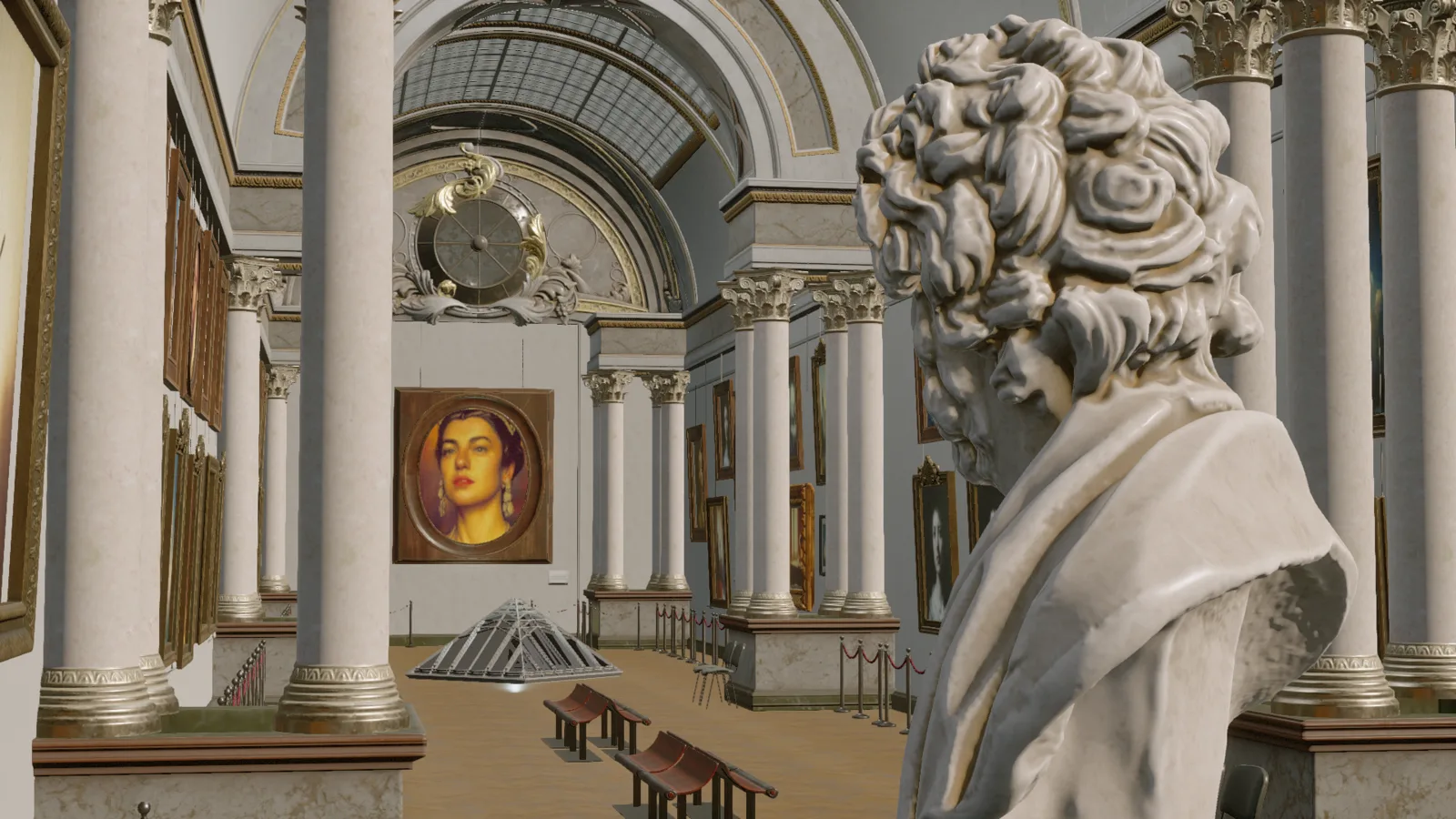
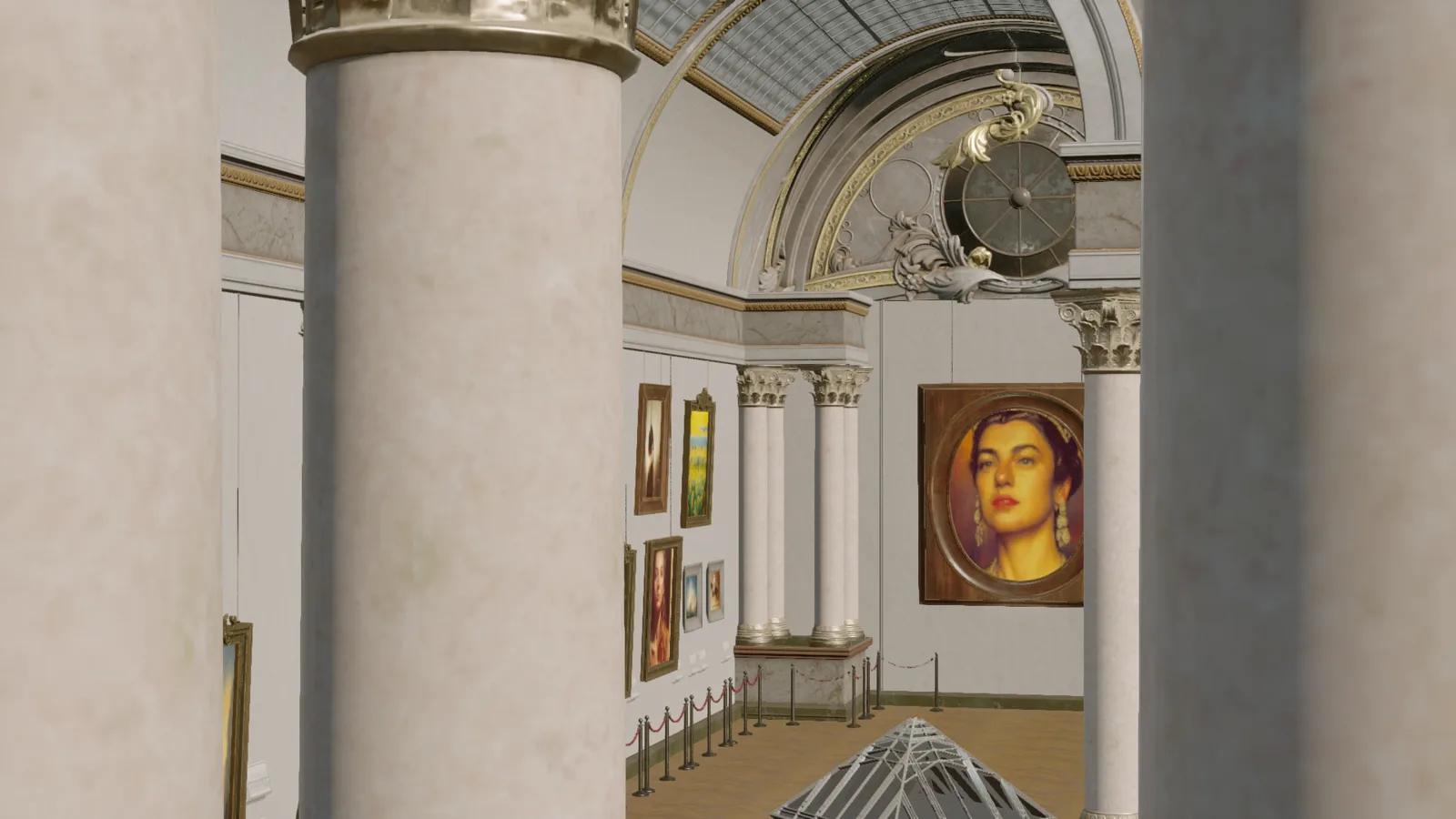
Before any building started, two establishing shots from the Museum Environment Kit confirmed the purchased asset pack actually read as a museum — the model's starting material, not anything it built itself.
02
Building the hub
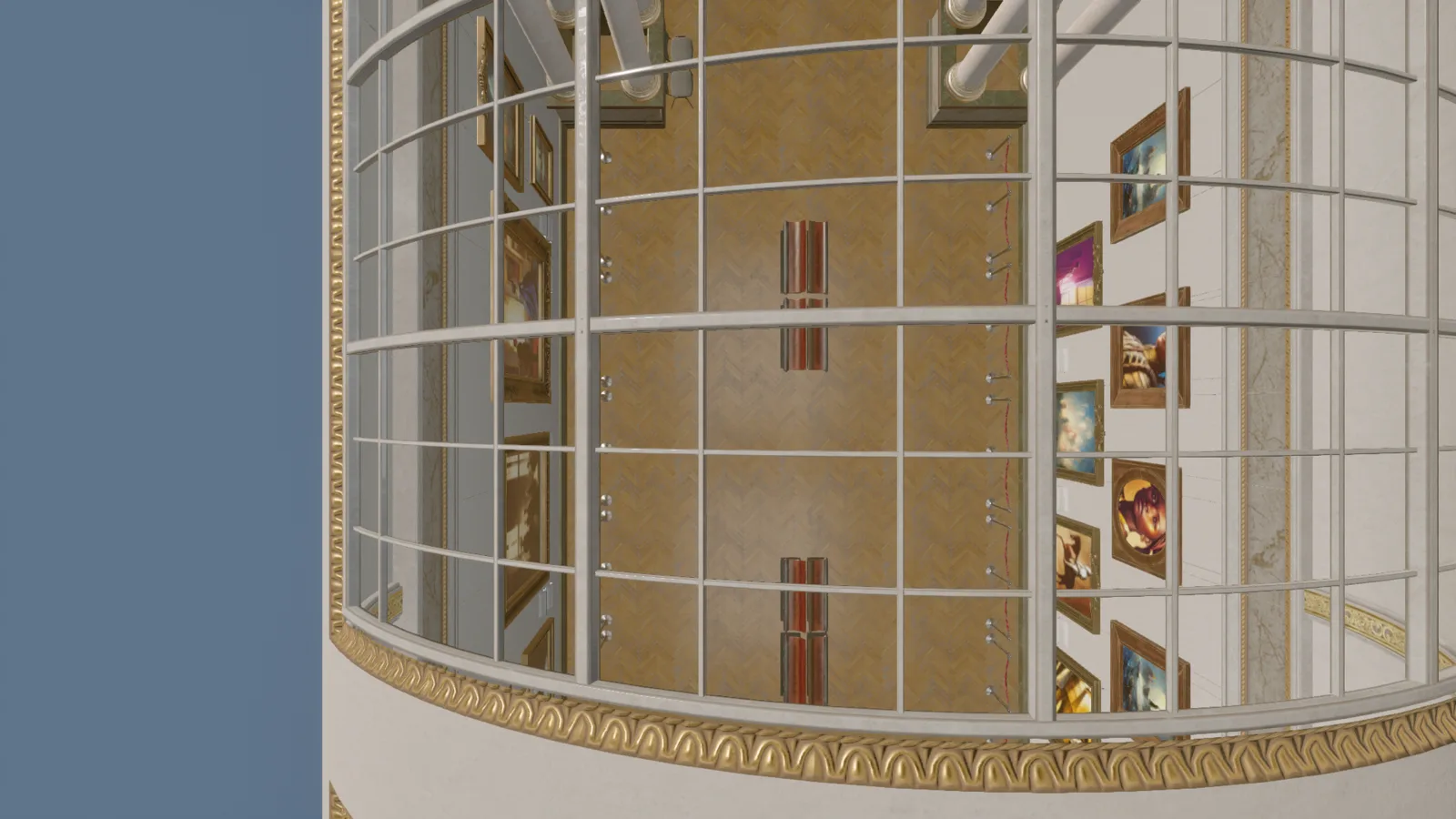
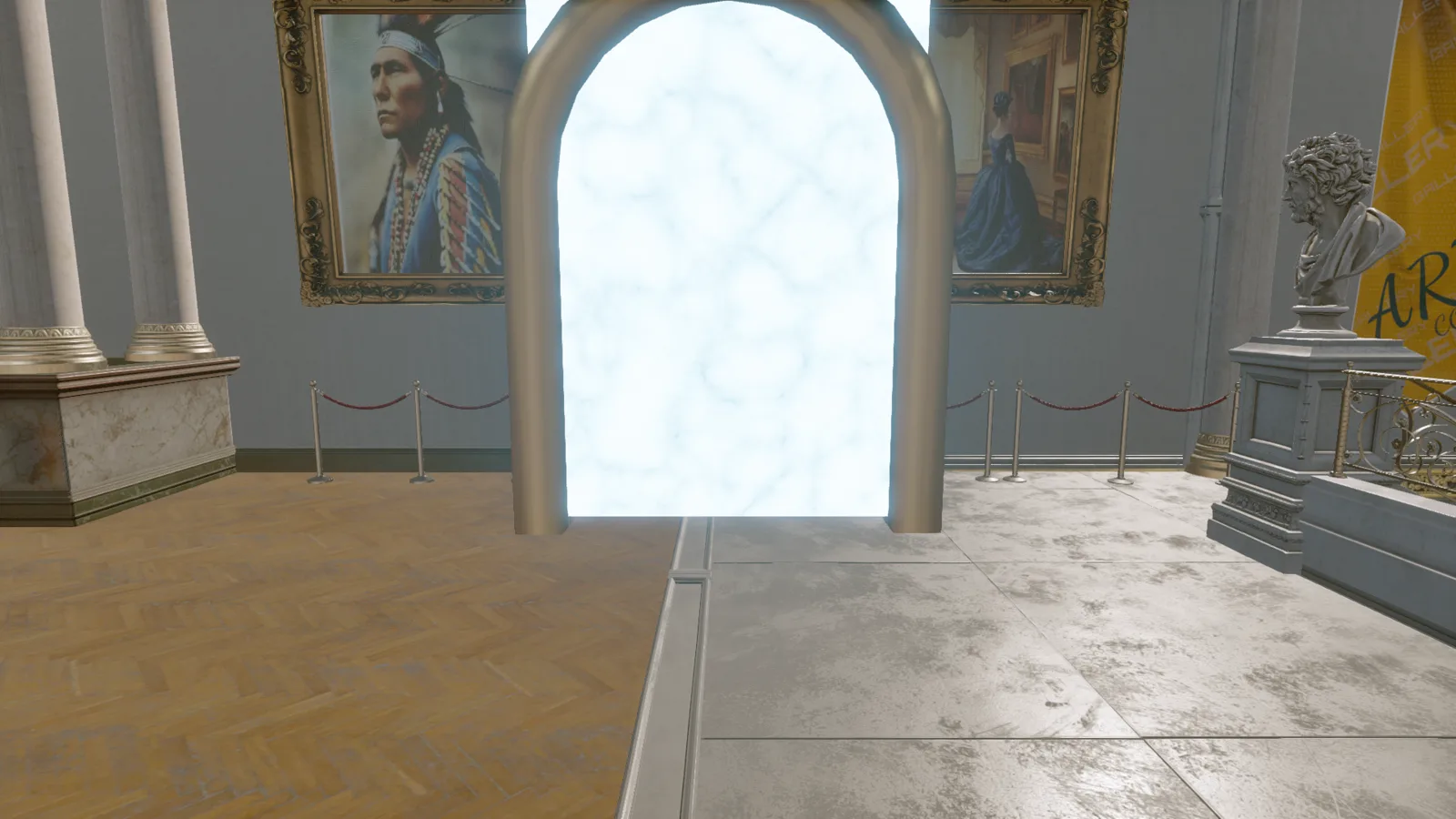
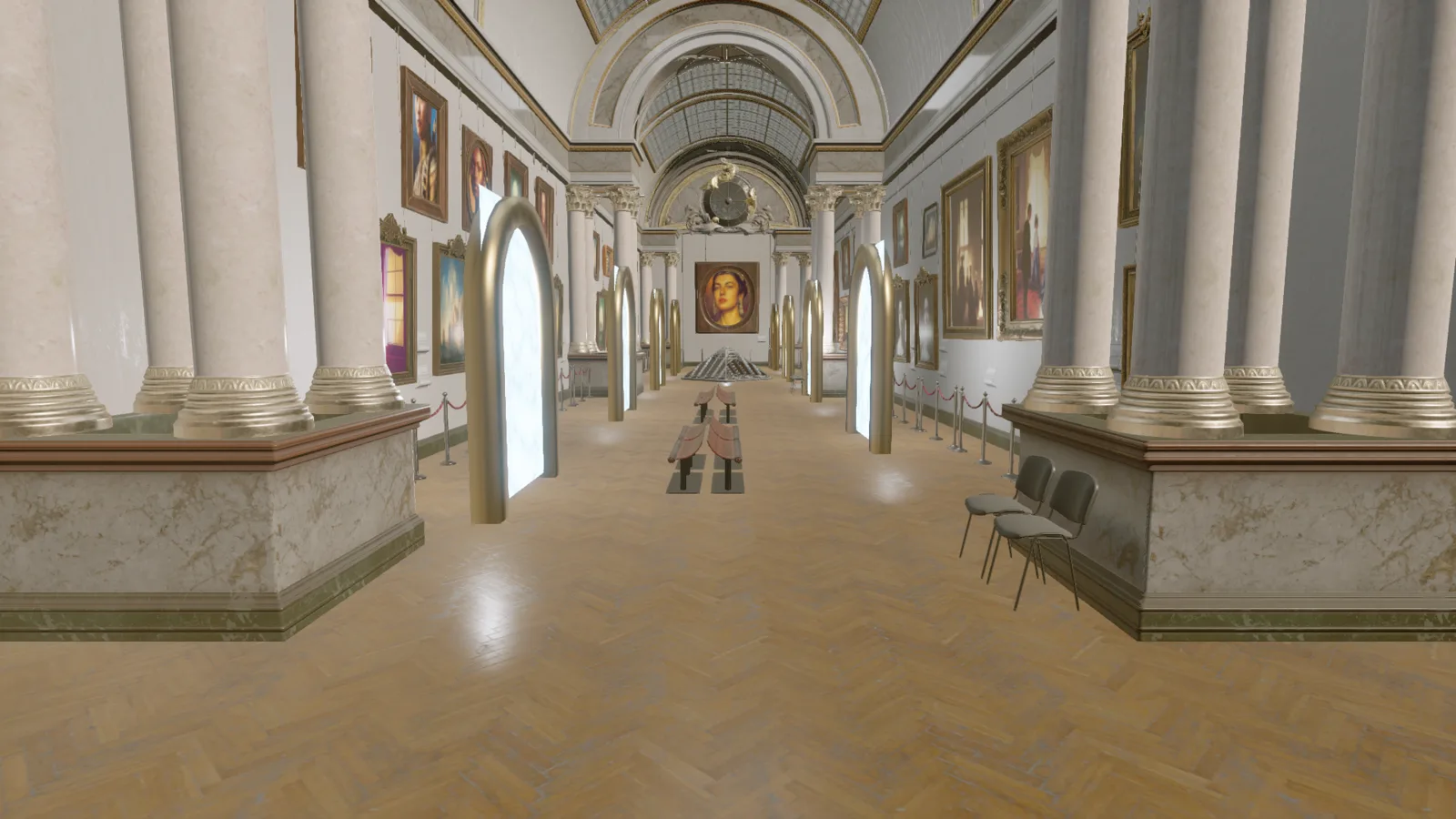
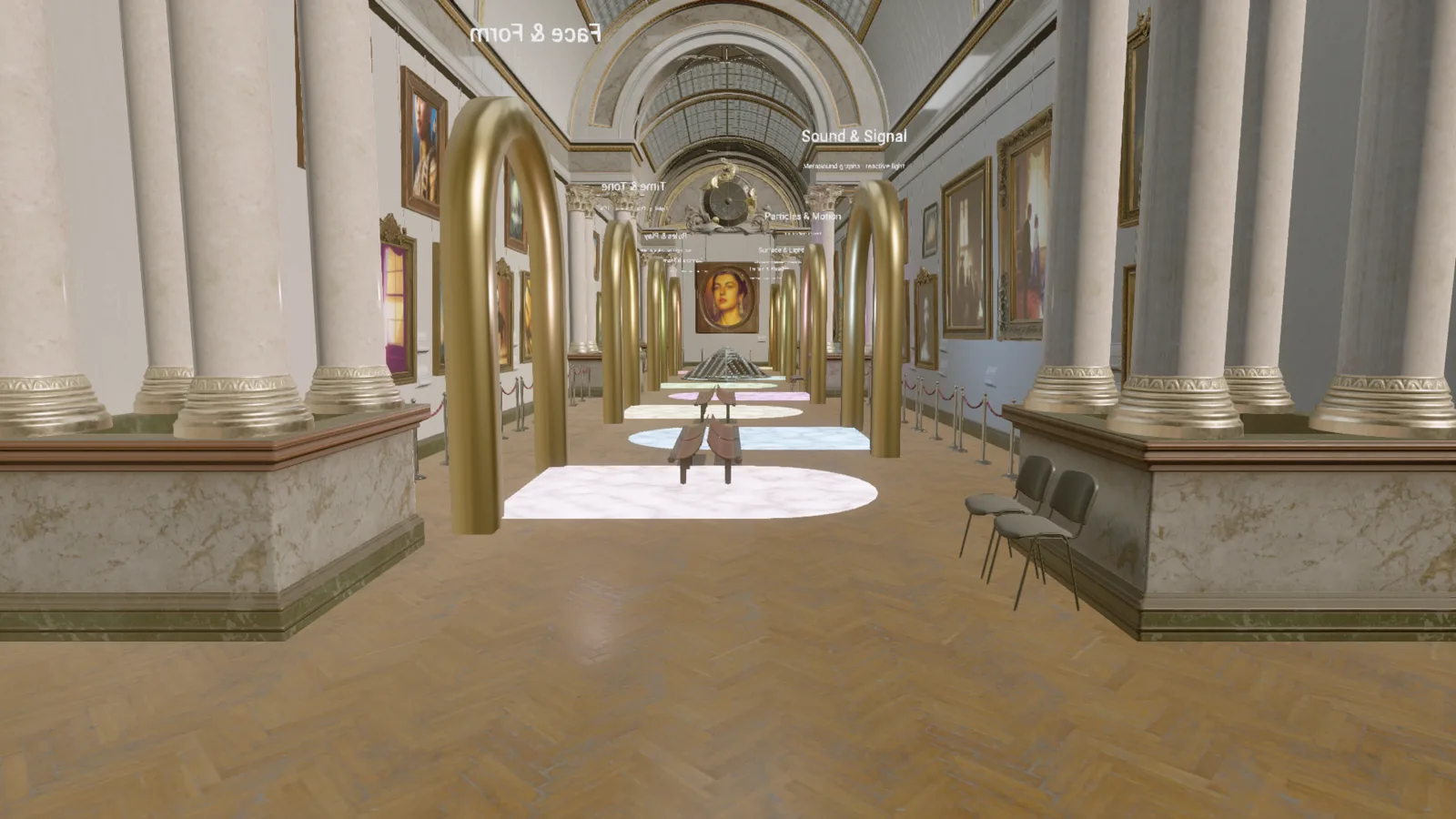
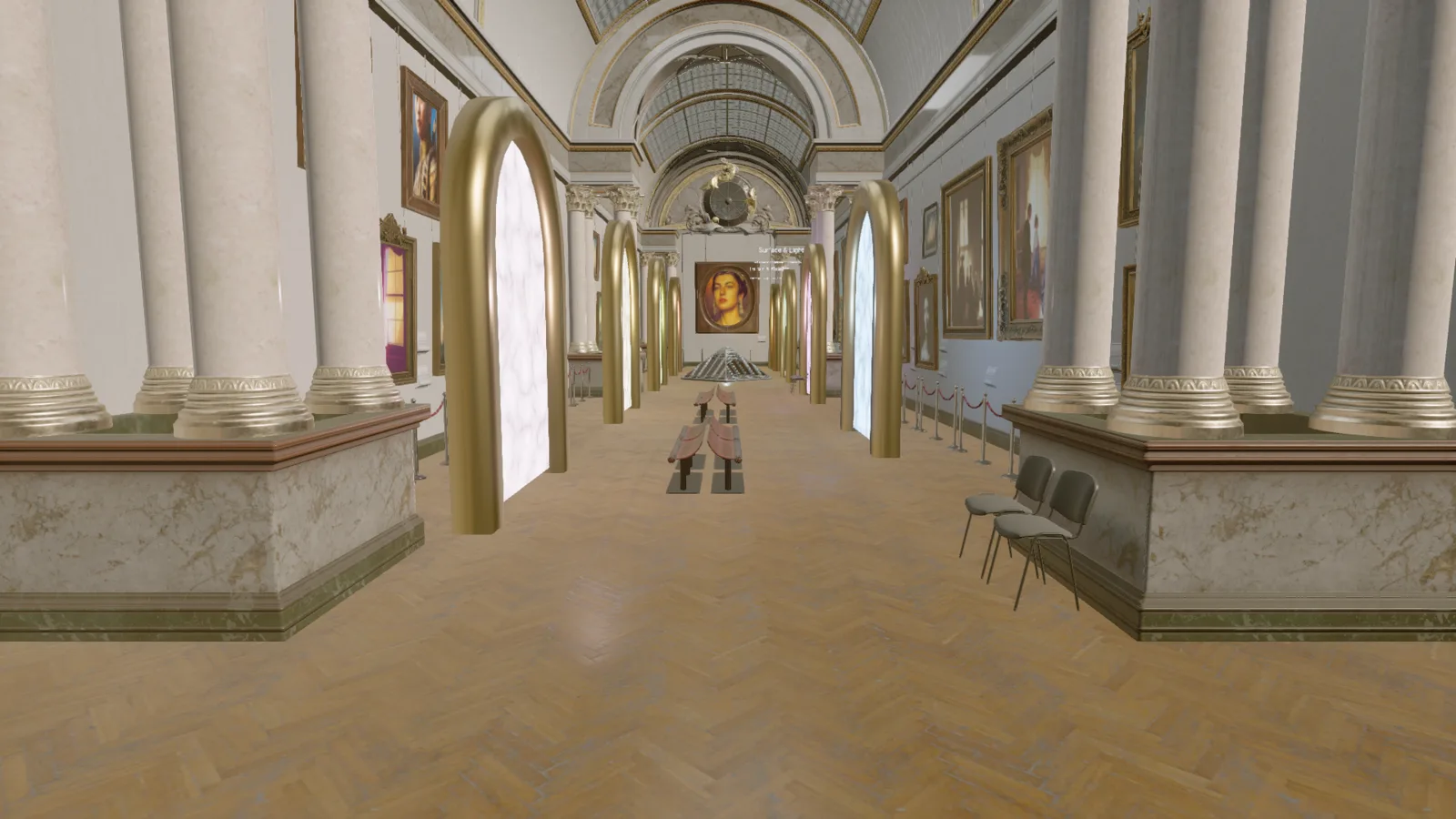
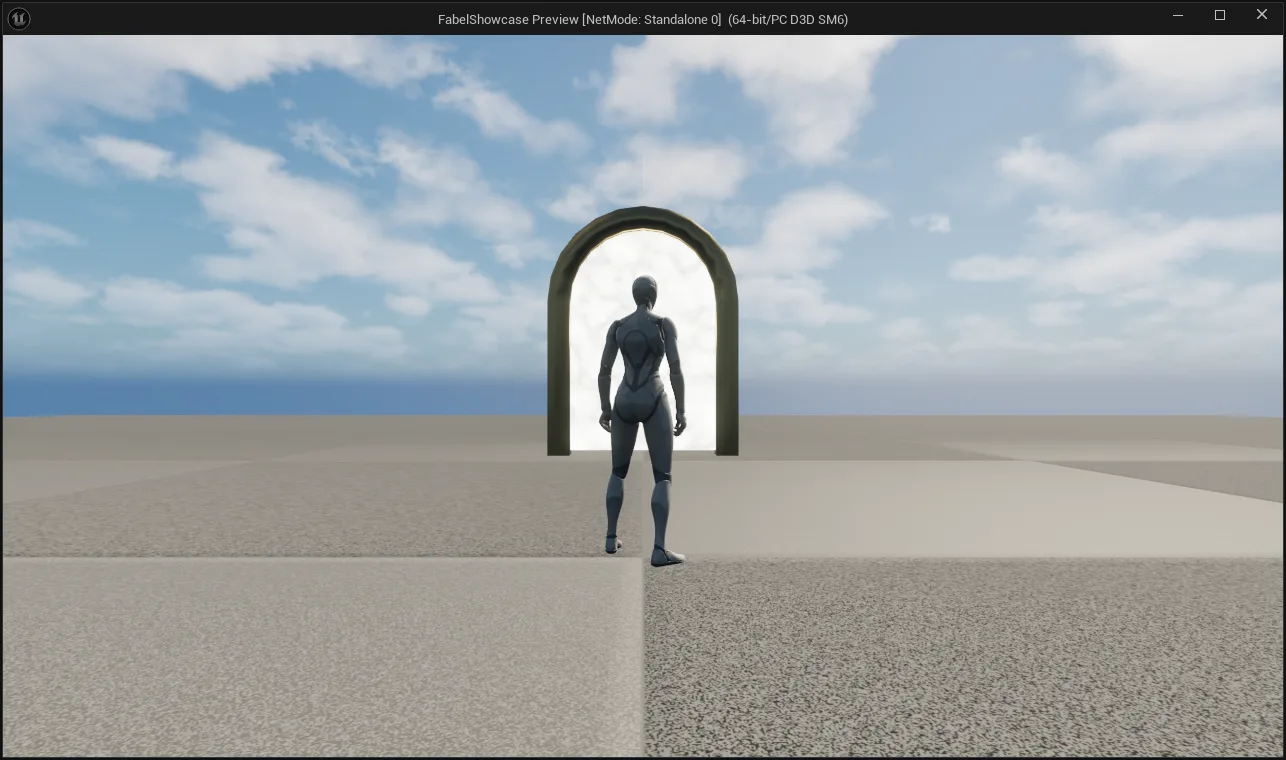
The concept: a museum gallery where each doorway is a portal to a showcase level for one category of the tool surface. Getting there took a working single-portal prototype, a row of them down both walls, and two rounds of fixing that same row after it broke in two different ways.
03
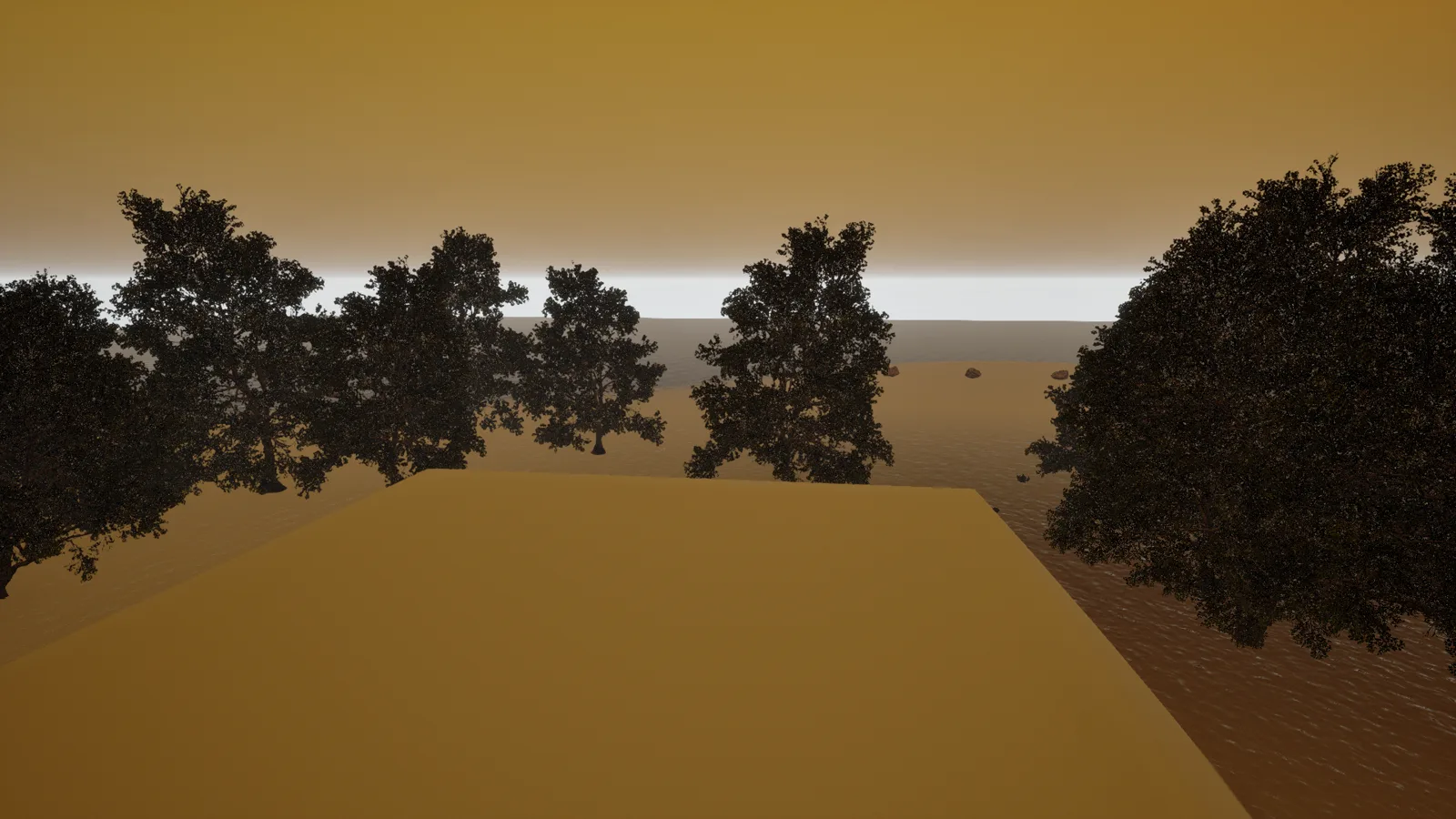
Terrain & Weather
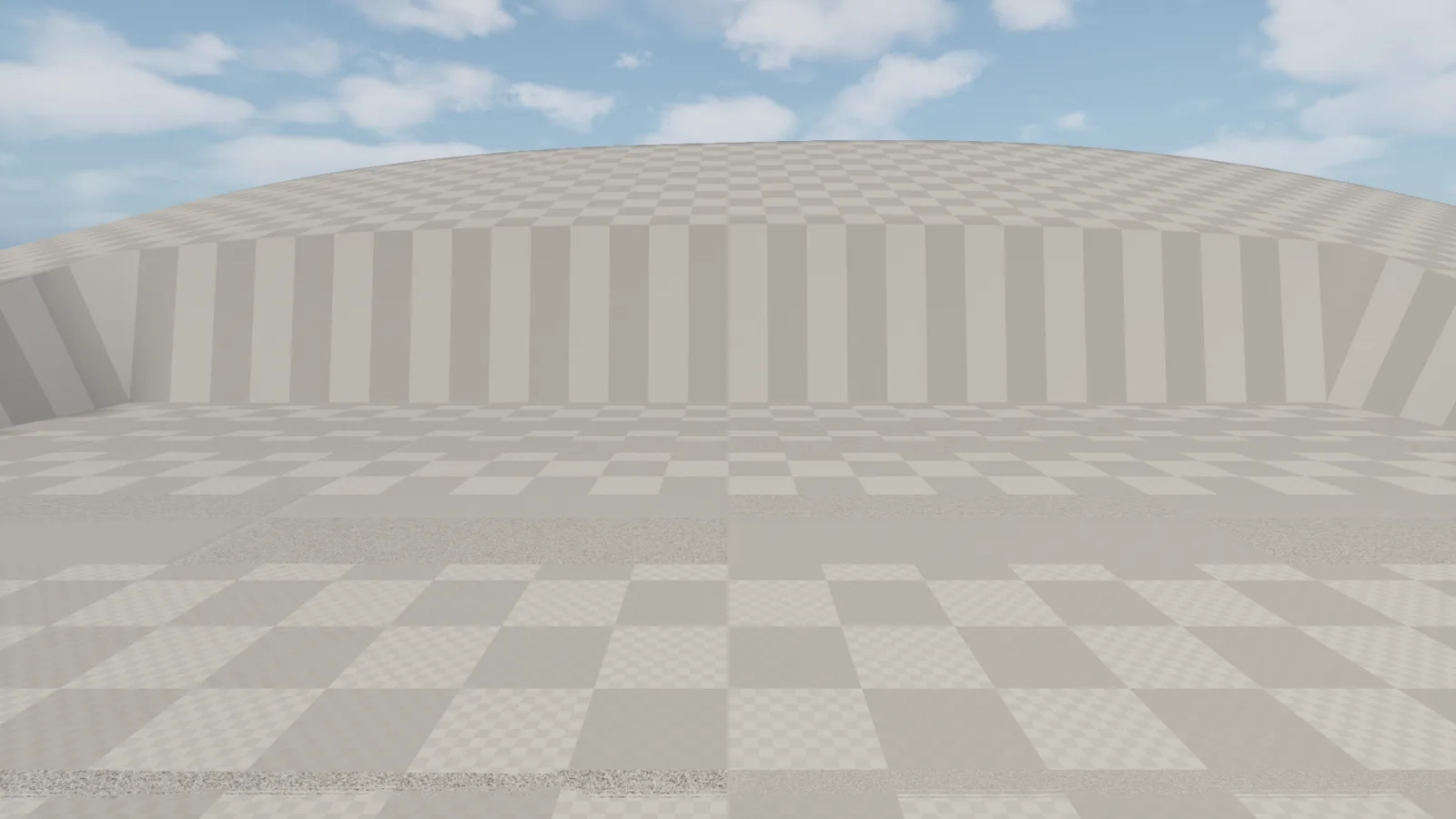
The environment level was the first one handed to a subagent working alone, and it's also the roughest of the five — dark, pit-shaped at first, and hit by a rendering bug serious enough to turn the whole level black.

04
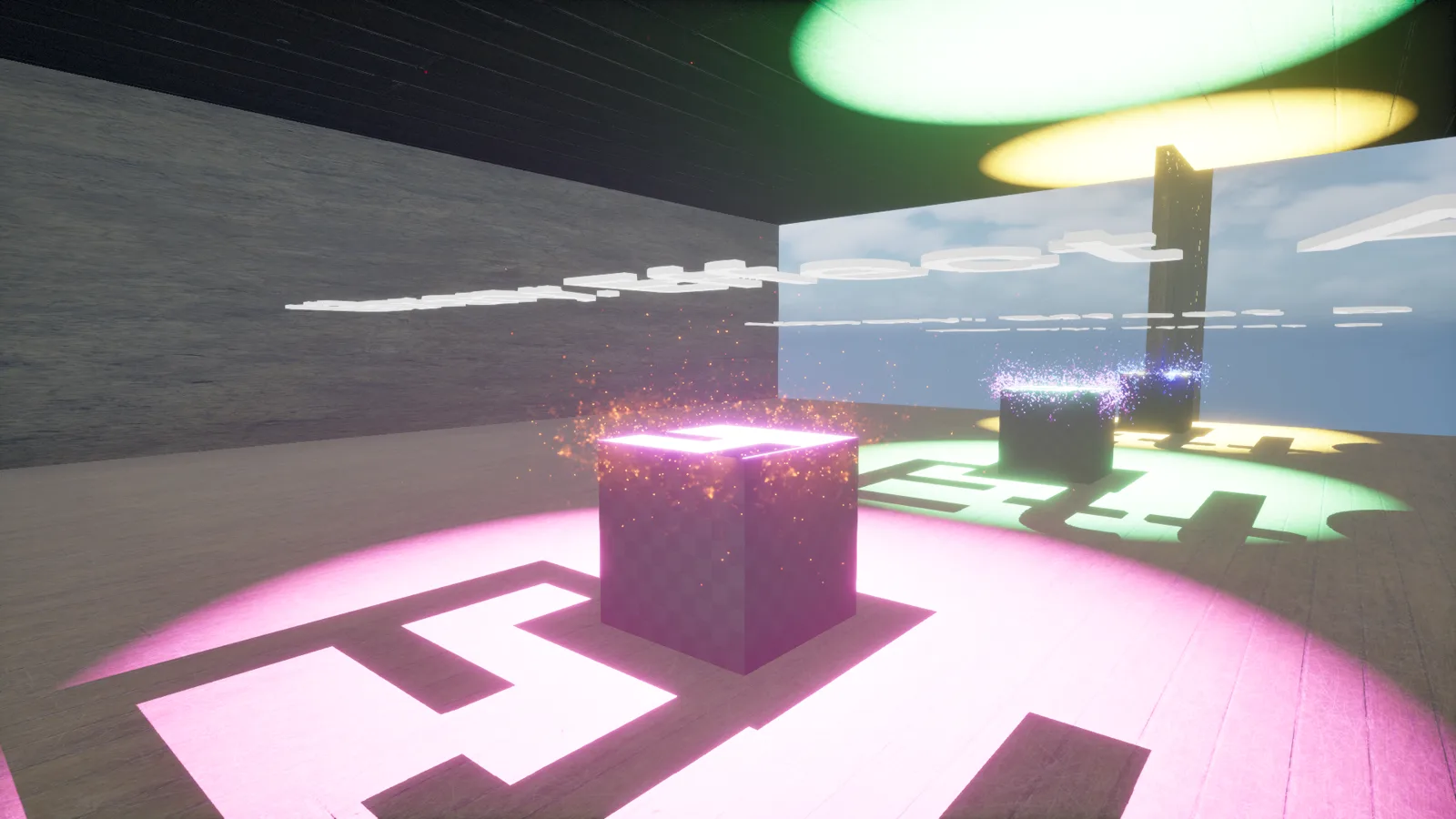
Particles & Motion
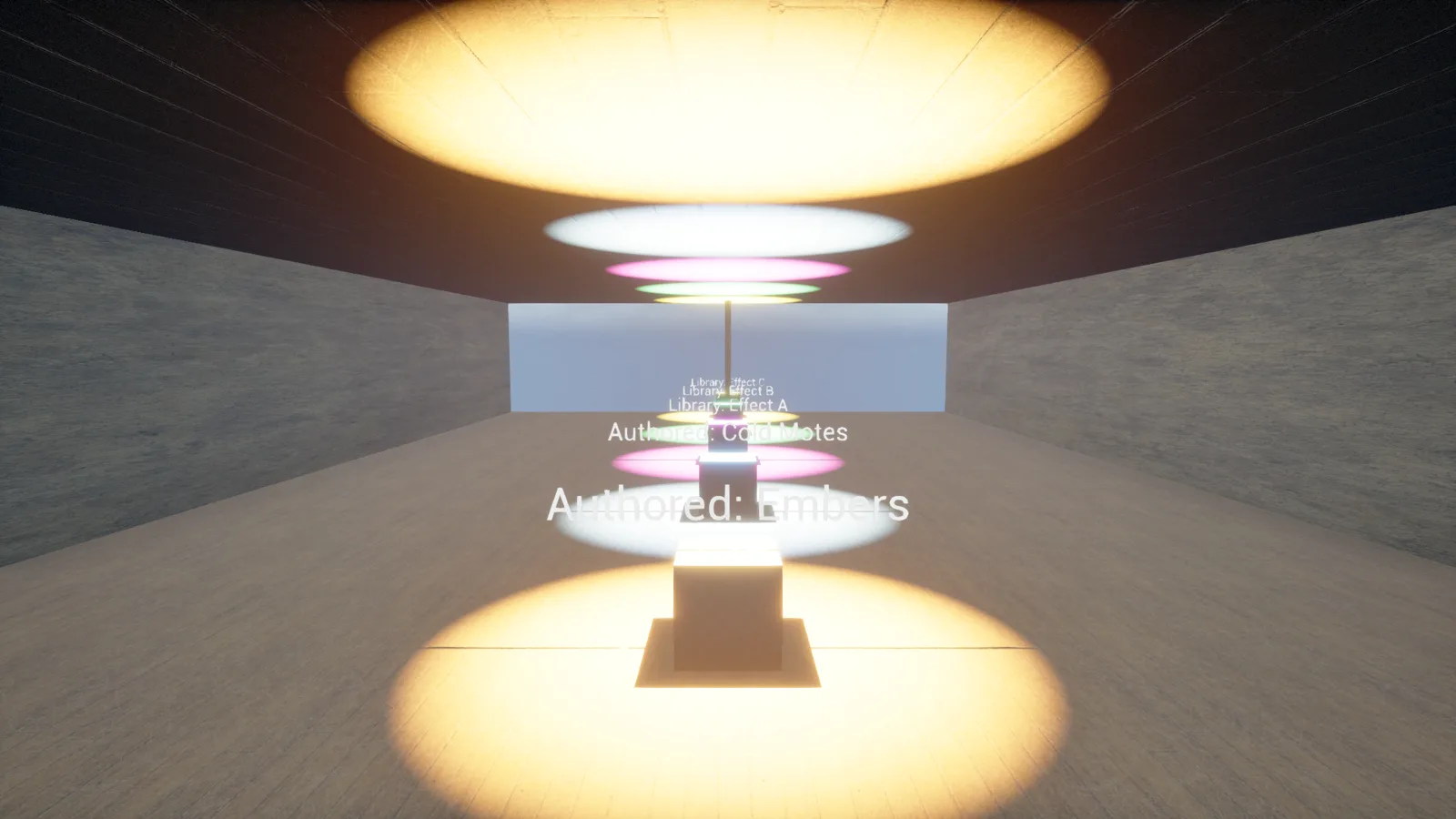
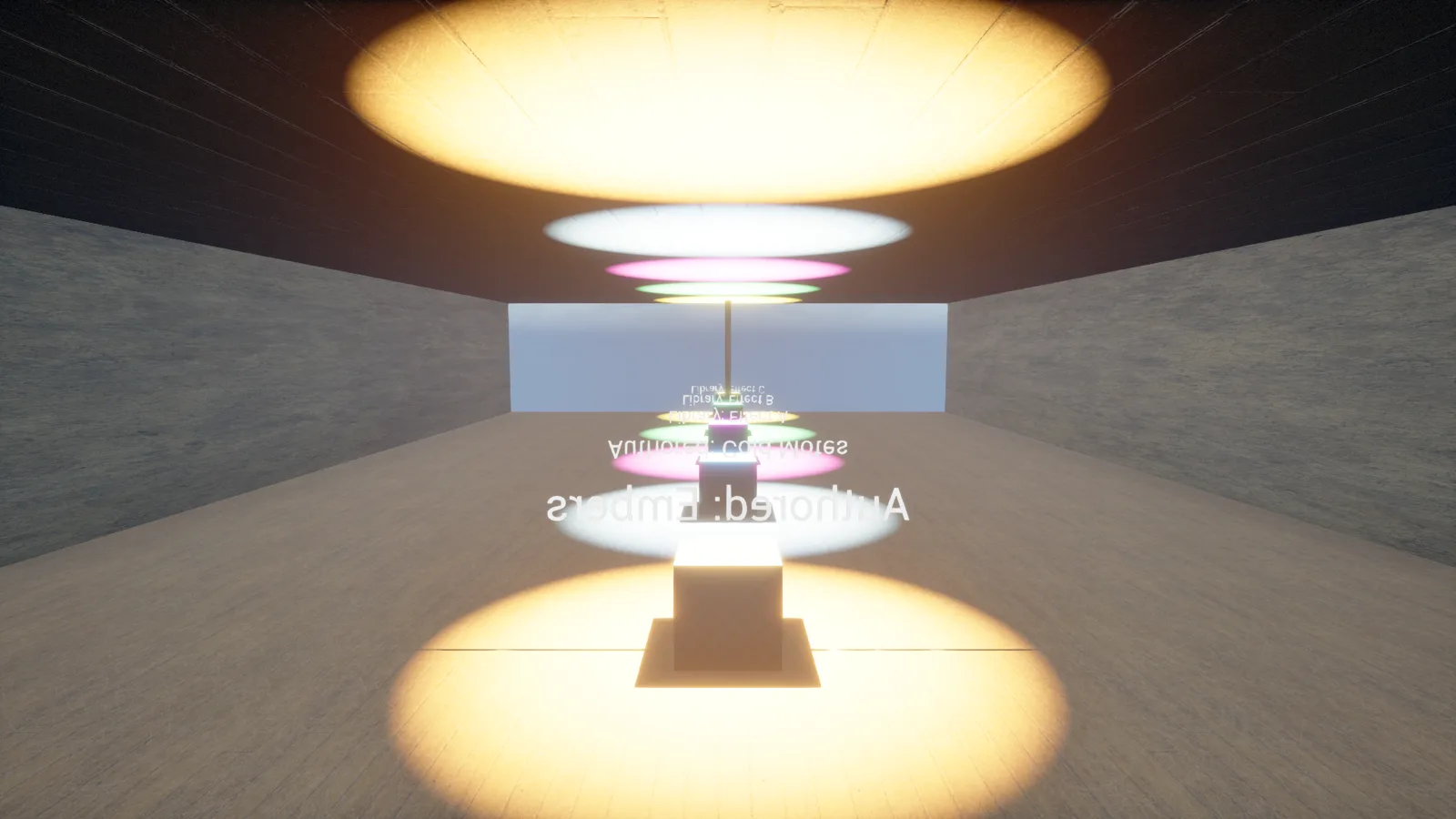
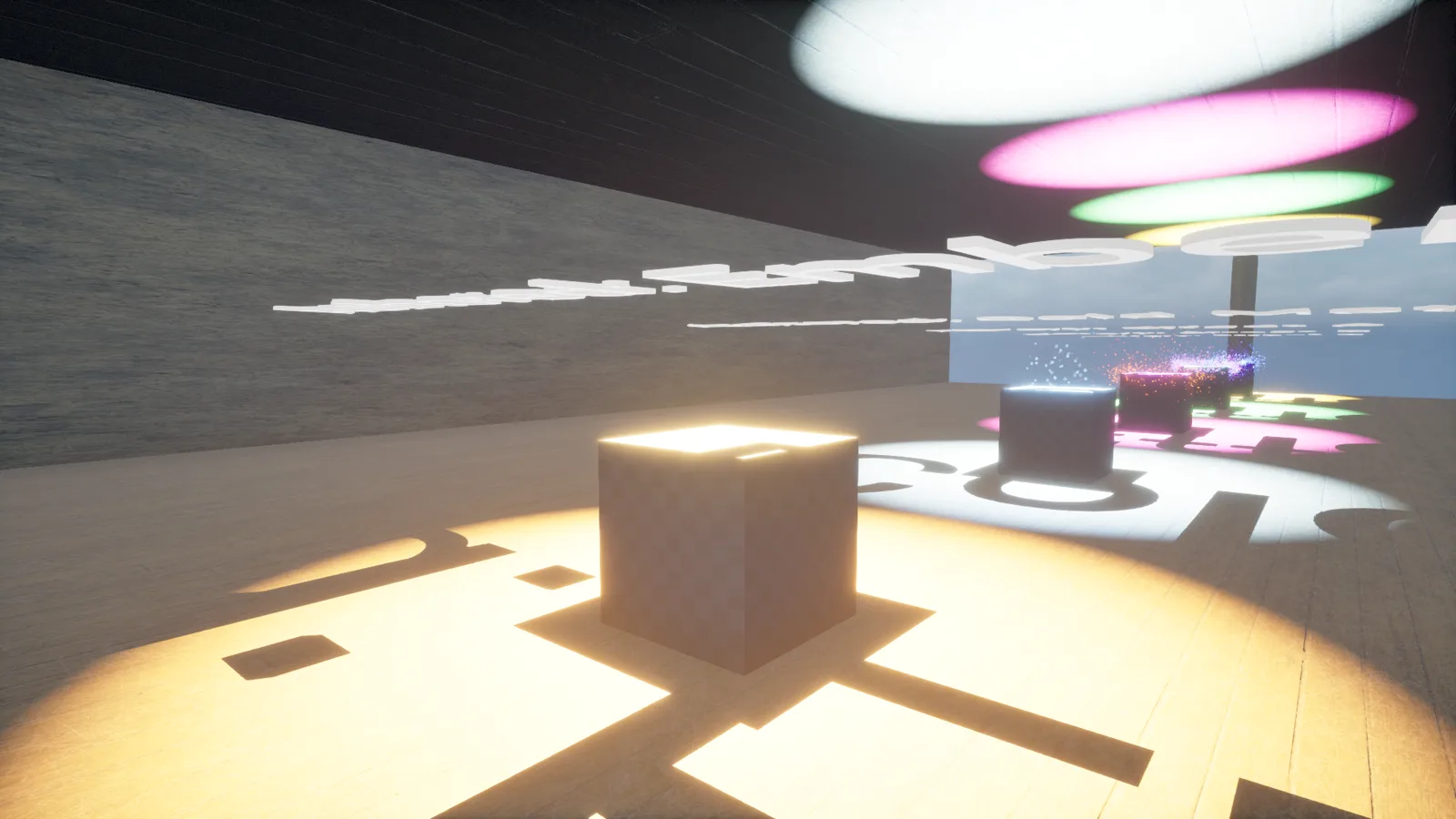
Niagara turned out to have its own blind spot: none of the static screenshot commands tick the running world, so a plinth full of particles looks completely inert until you catch it live in Play-in-Editor.
05
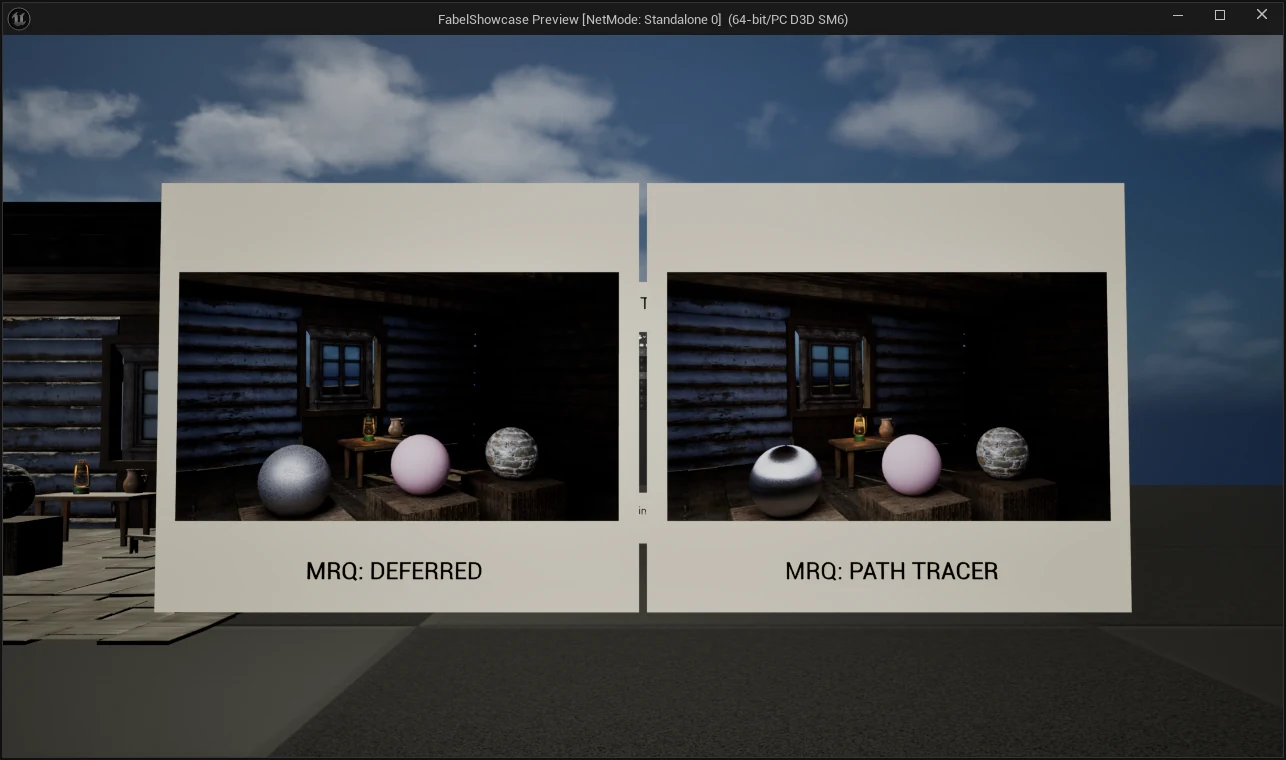
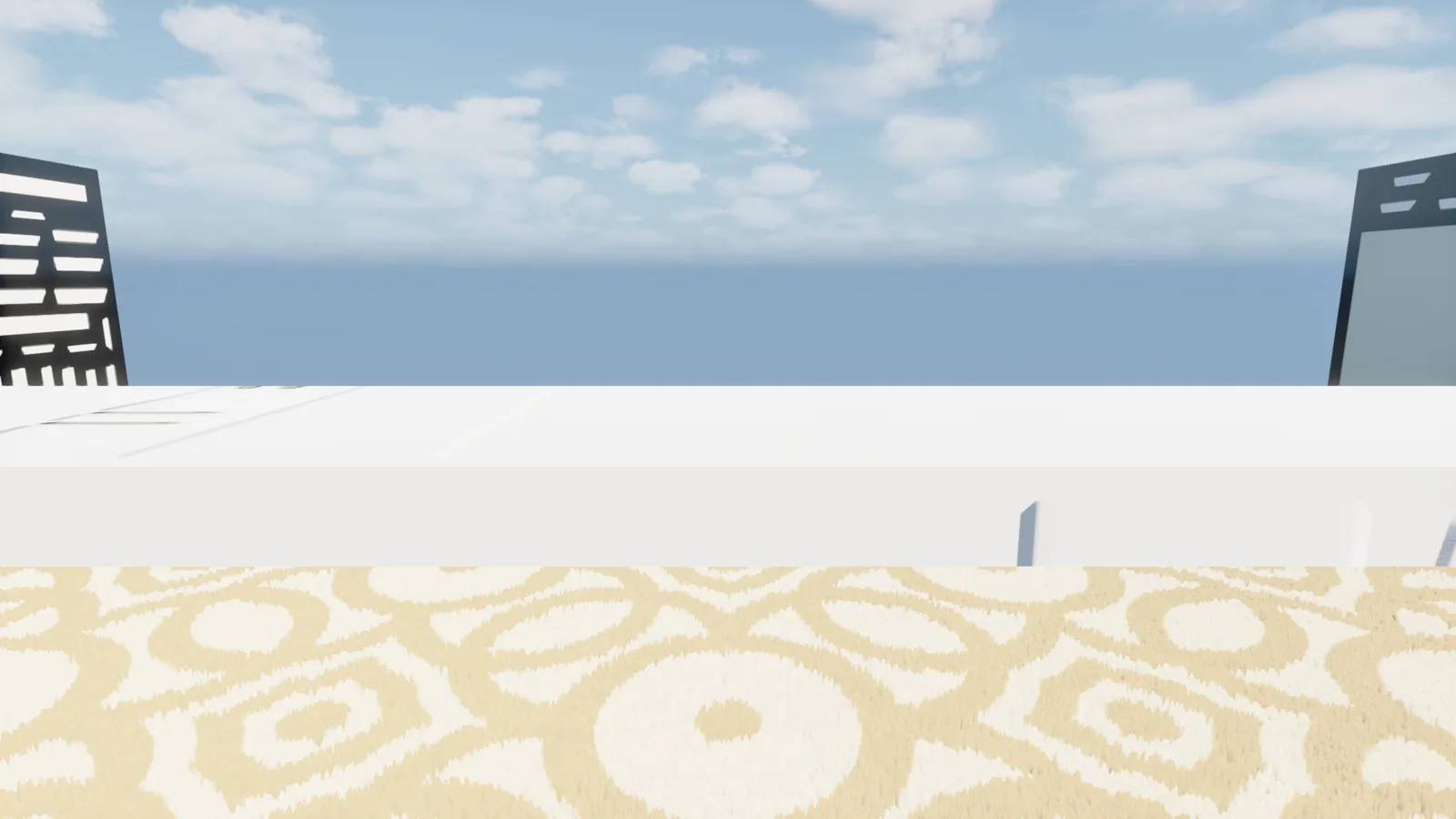
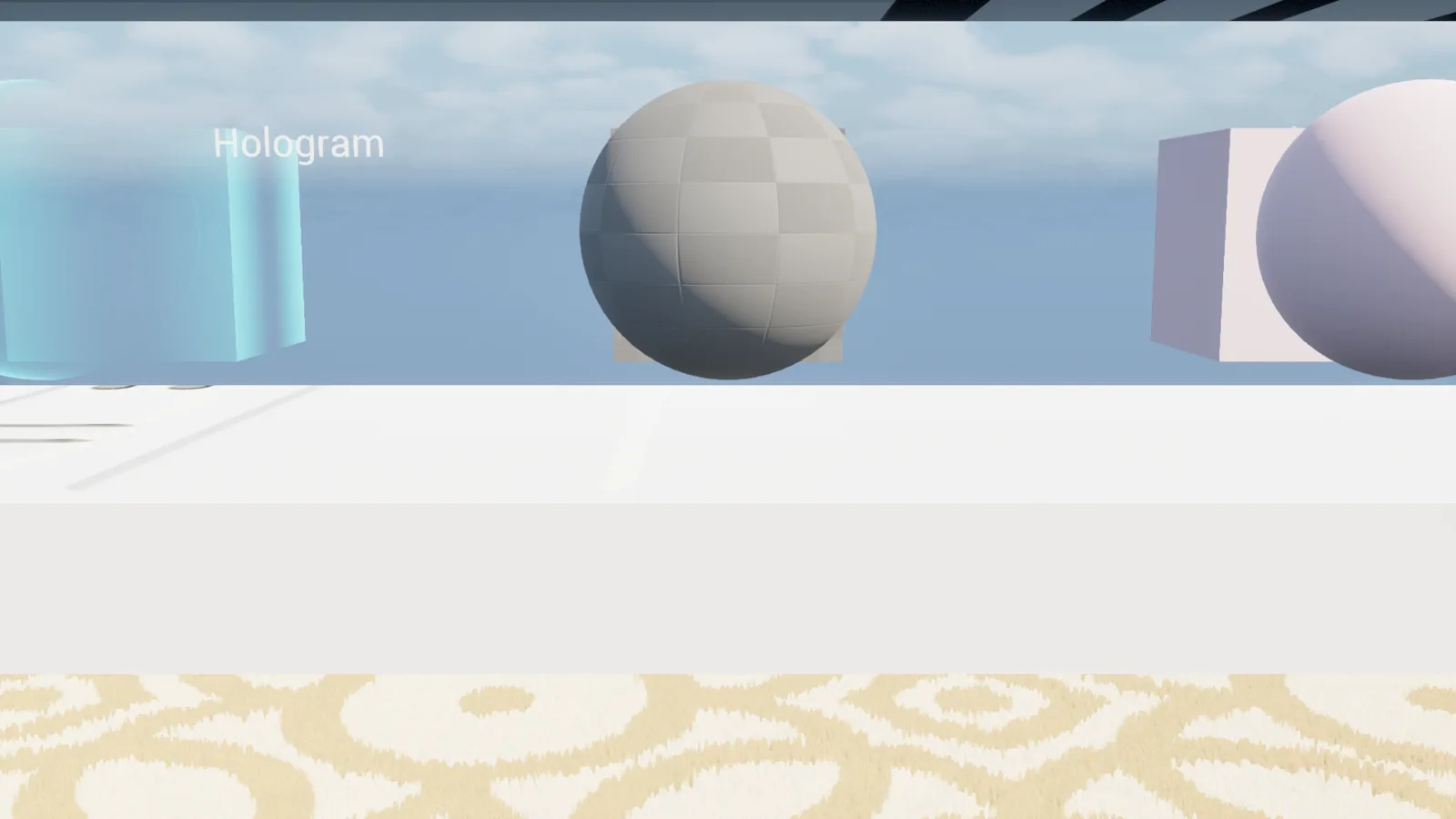
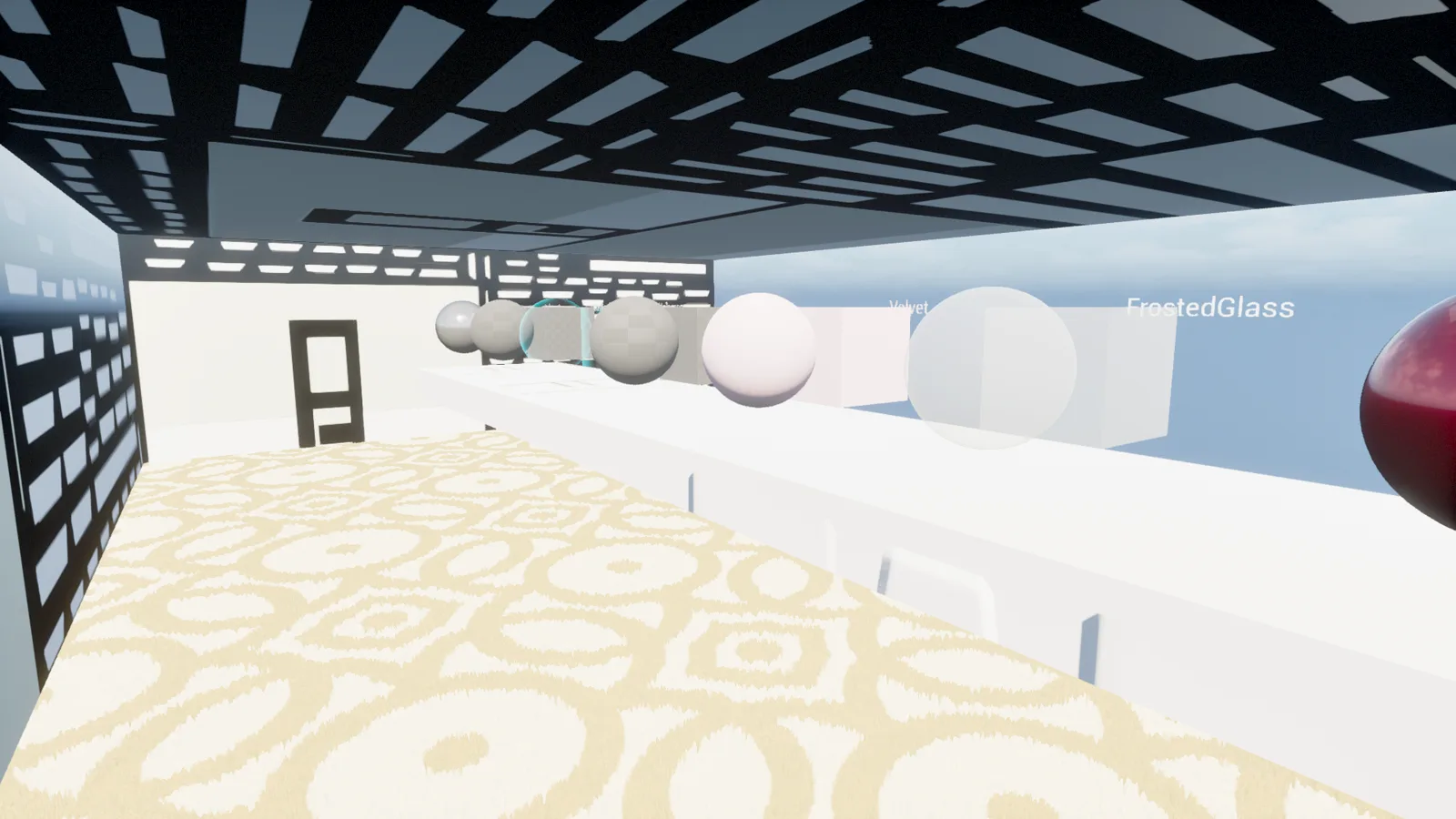
Surface & Light
Eight node-authored materials laid out on a table for comparison, in a room that never got a front wall — and an exposure problem a late fix didn't fully undo.
06
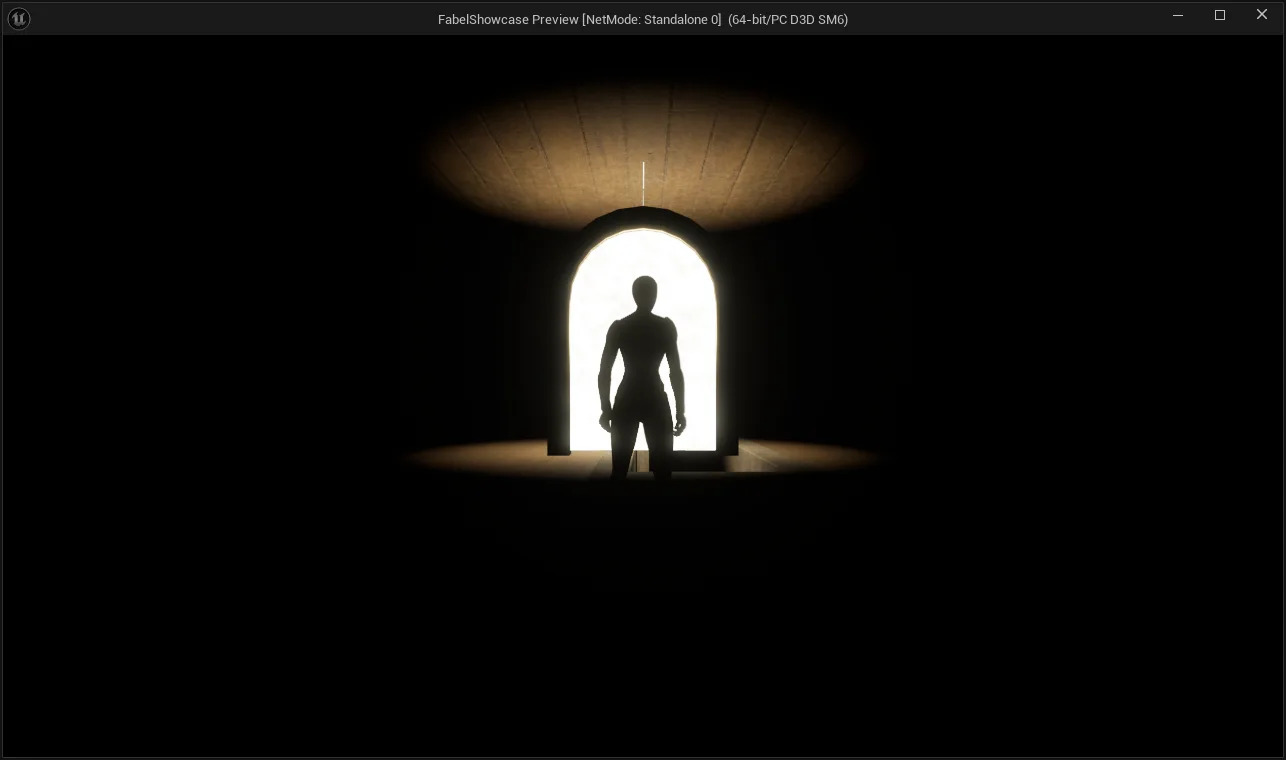
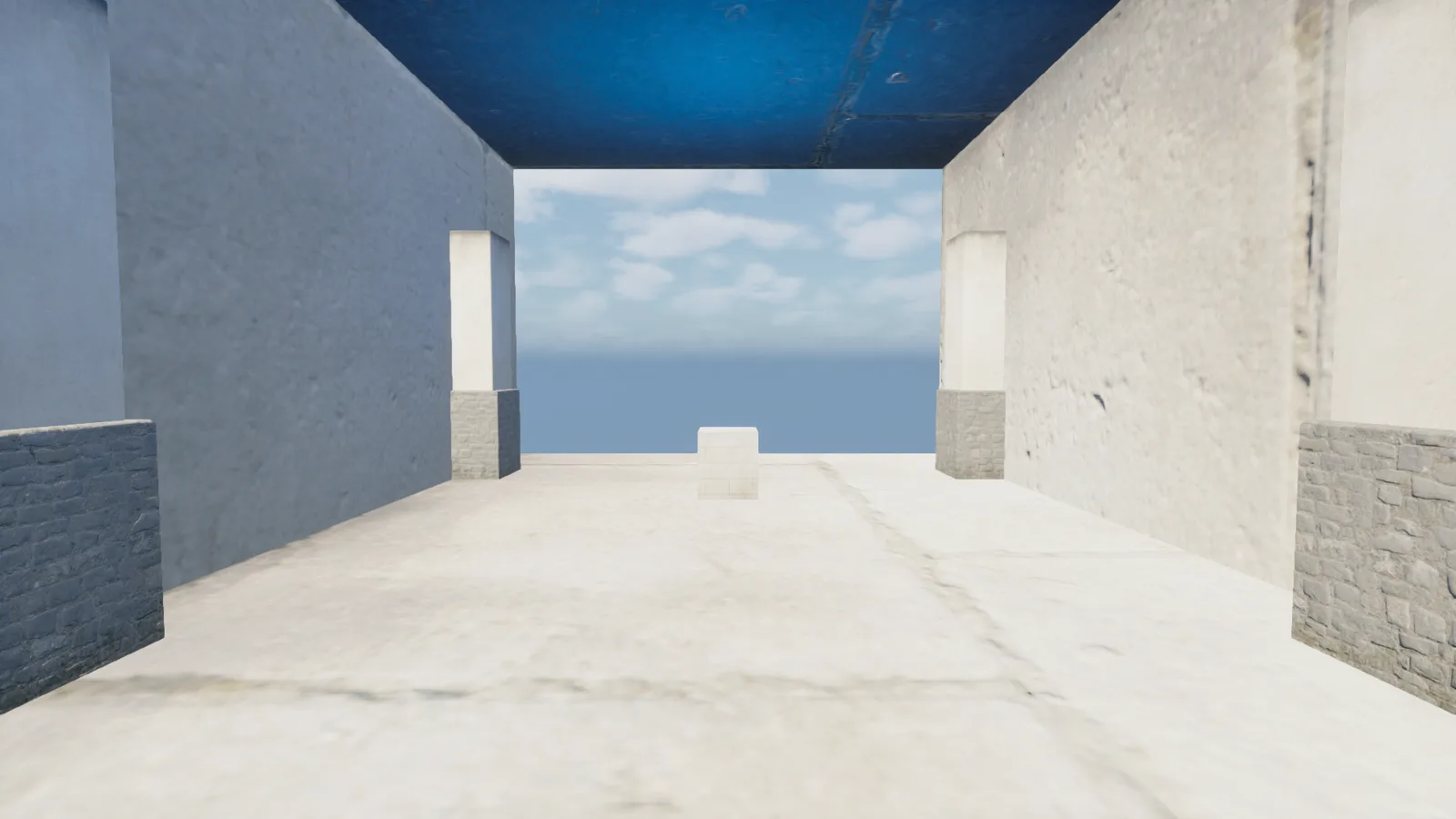
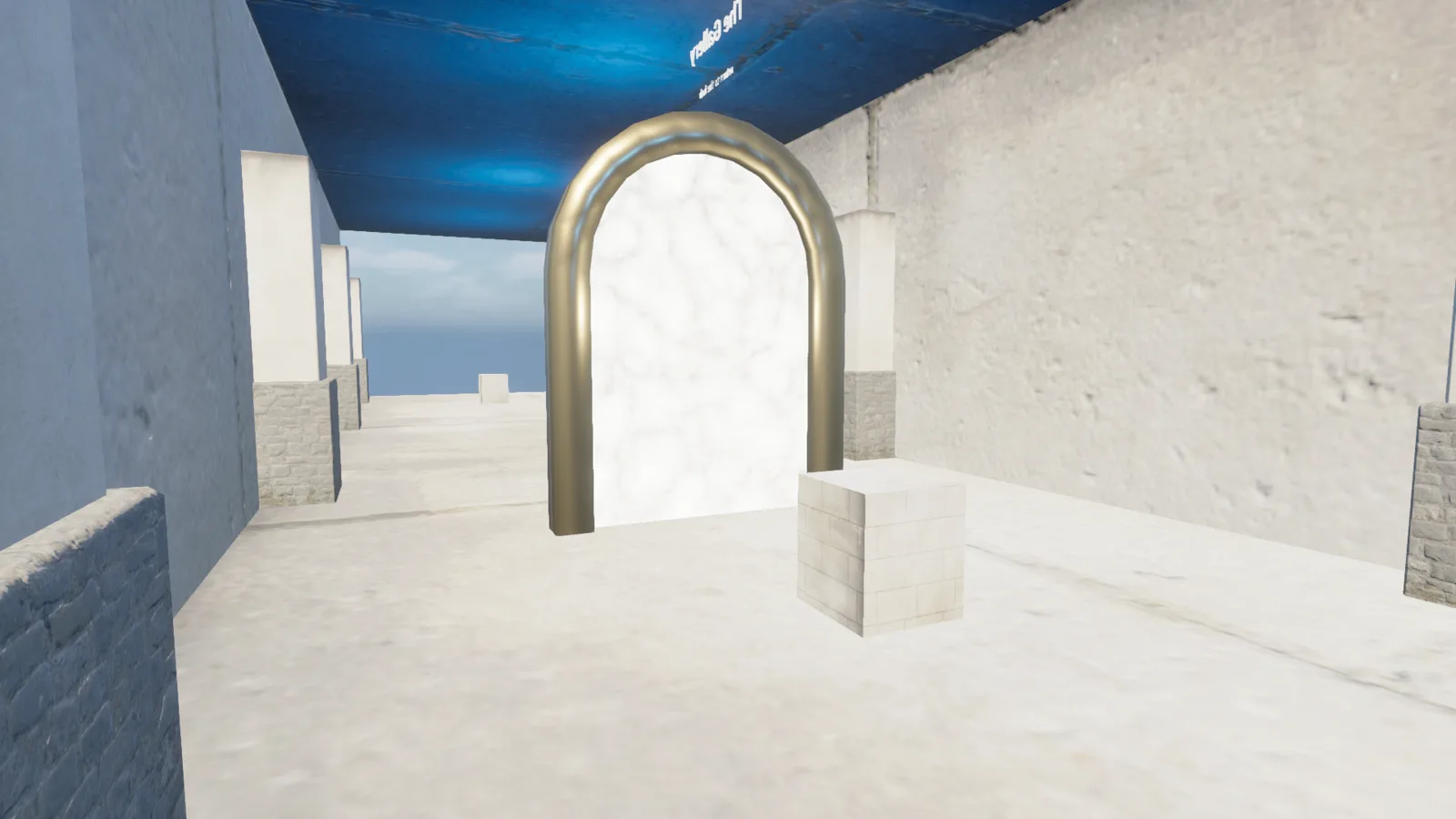
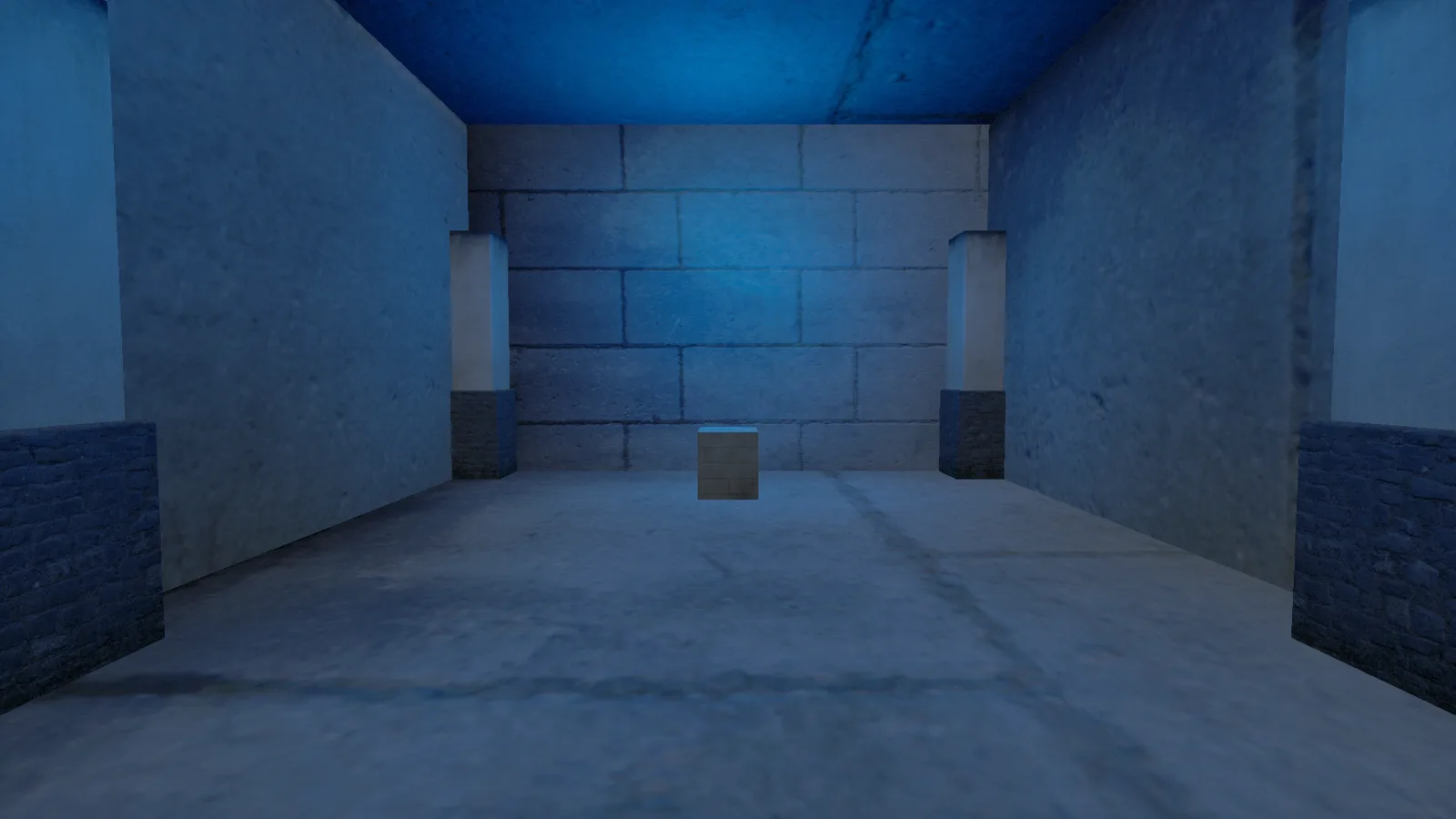
Sound & Signal
The audio hall was supposed to read as a dark temple nave. It shipped instead as a sunlit corridor open at both ends — until the last capture of the night, when the open end finally got closed off.
07
The flythrough
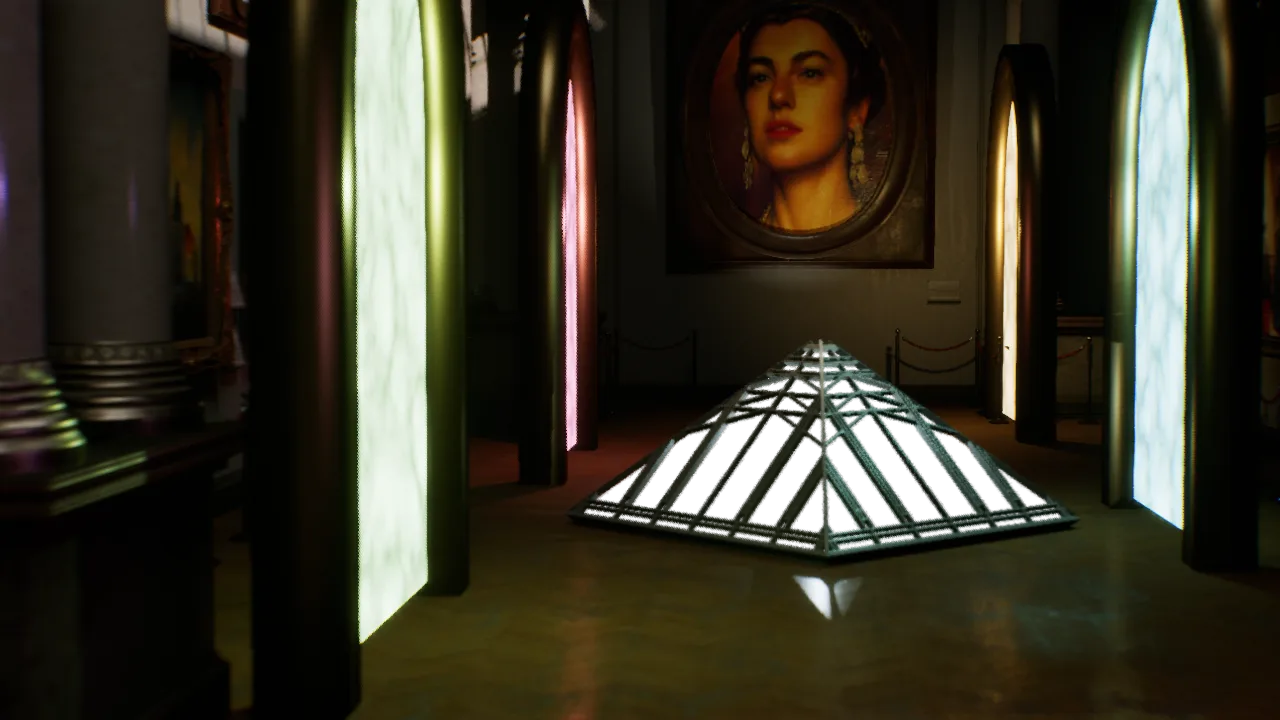
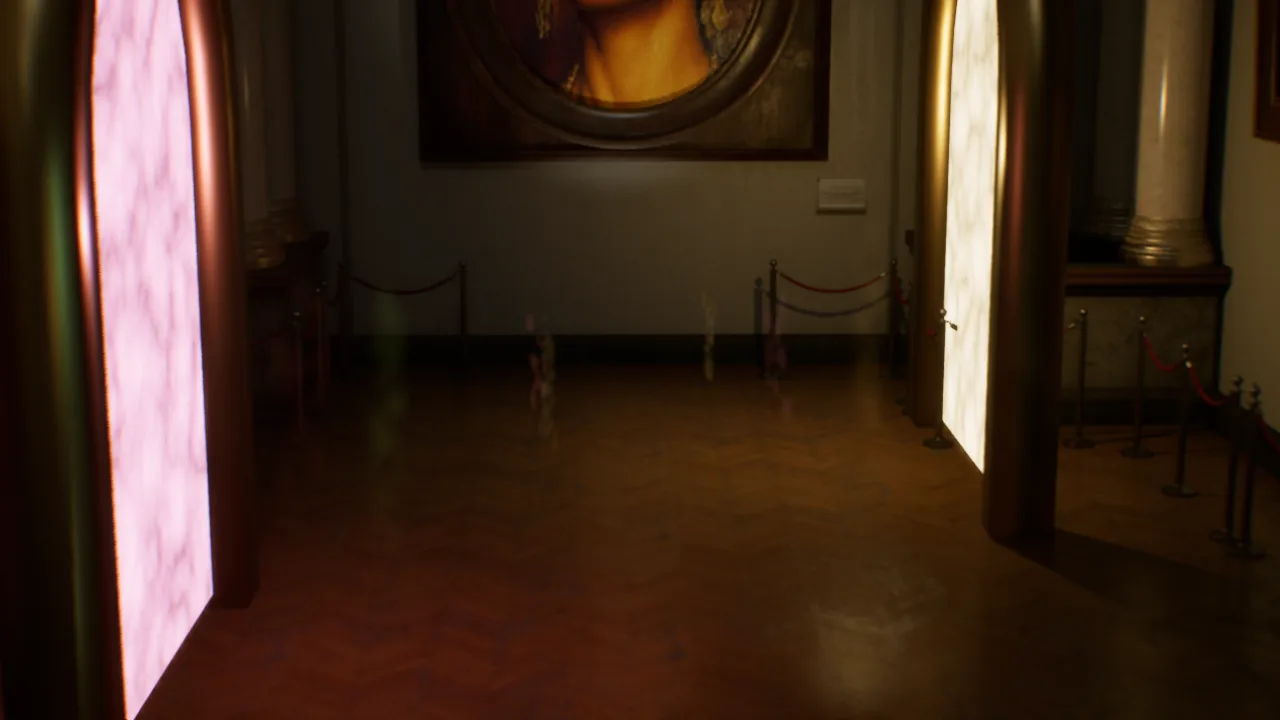
A 12-second Movie Render Queue flythrough of the finished hub, closing out the night. The first render flew through the pyramid centerpiece; the second flew through the portals themselves. This is the third — Video QA'd before it shipped.
What I learned
The gotchas any new hire would hit — just faster, and overnight
- ✦Claude Code's own Unreal MCP connection failed to come up at boot and never reconnected for the rest of the run — everything after that went through a separate MCP Python client instead, one call at a time.
- ✦None of the static screenshot commands tick the running world. Niagara particles, and anything else that's animating, only show up in a capture taken during Play-in-Editor.
- ✦A freshly created mesh renders on the default gray checkerboard material until something is actually assigned to it — an easy 'is this even broken' moment the first few times it happens.
- ✦Landscape materials that blend based on painted layer weights render solid black with nothing painted yet. Start with a plain material, paint the blend later.
- ✦A swept polygon mesh builds flat in one plane — the wrong roll value buries it face-down in the floor instead of standing it up. The fix was a single sign flip, once we knew to look for it.
- ✦Text3D handedness isn't consistent: a standalone actor and one parented under a Blueprint root can need opposite yaw values to read correctly. Mirrored, upside-down text showed up more than once before that clicked.
- ✦A manual post-process exposure edit can leave an entire level rendering solid black in every capture path — including the live editor viewport — until you close and reopen it. Auto-exposure bias only, from now on.
- ✦Subagents sharing one running editor have to work strictly one at a time, each pinned to its own level. Two open levels in the same editor at once is how you get spawns landing in the wrong place.
- ✦A failed 'create new level' call doesn't fail loudly — it silently leaves you inside whatever level was already open, and everything spawned next lands there too, unless you check first.
- ✦Forage can log into Epic without a person at the keyboard if the browser is already signed in: grab the redirect auth code and use it within about a minute, before it expires.
Earlier repair lessons
What broke — and got fixed — the second time around
- ✦A UE editor's connection port can be LISTENING but refuse every connection — that means a modal dialog has parked the game thread, not that the server crashed. Windows title enumeration can confirm it without a screenshot, and closing the dialog is far cheaper than a cold relaunch.
- ✦Text3D's default material extension generates its own material instances for anything but Custom style, silently overriding any material you assign afterward — you have to set the extension's own color properties directly, and the fix has to be reapplied after any save/reopen rebuilds the glyph meshes fresh.
- ✦editor.save_level does not persist changes to a Blueprint or material asset referenced by the level — only save_dirty_assets does. Skipping it once cost a full pass of portal-label work to a mid-session crash.
- ✦A PostProcessVolume auto-exposure override tuned only against a non-gameplay screenshot command can look perfect at content-authoring time and break real Play-in-Editor exposure completely — the capture path silently ignores PPV overrides that gameplay rendering applies in full.
- ✦Two agents can end up editing the same live level at once with no locking to stop them — this happened more than once. Recovery worked because each agent independently re-verified from a fresh disk reload before trusting its own or a sibling's prior claim, rather than assuming the last save was correct.
- ✦A background agent that reports 'completed' isn't necessarily done — it can wake up again later (sometimes to retry the exact edit that caused a prior crash) with no warning. Checking live agent state directly beats trusting the notification history.
- ✦Compiling a Blueprint alone doesn't prove a generative system works at runtime — a Mutable character-customization graph compiled cleanly for hours while every actual runtime generation attempt returned a null result, until the real cause (unassigned source parameters) was found and fixed.
What was still missing after the first night
Four wings were empty rooms with a return portal
Cinematics, gameplay, lighting and characters were placeholders at the end of the first night. Later work filled those rooms and added the UMG entry and pause menus. No headset test has been performed. Read the latest repair record for the subsequent playtest findings.